H Hsin ChenGroup-Buy Host
I used to copy and paste constantly when replying to members — payment details, pickup times, form links, over and over. Now they’re all cards and CopyNow sends them in one tap. It saves me at least half an hour per group buy.
W Wei LinSoftware Engineer
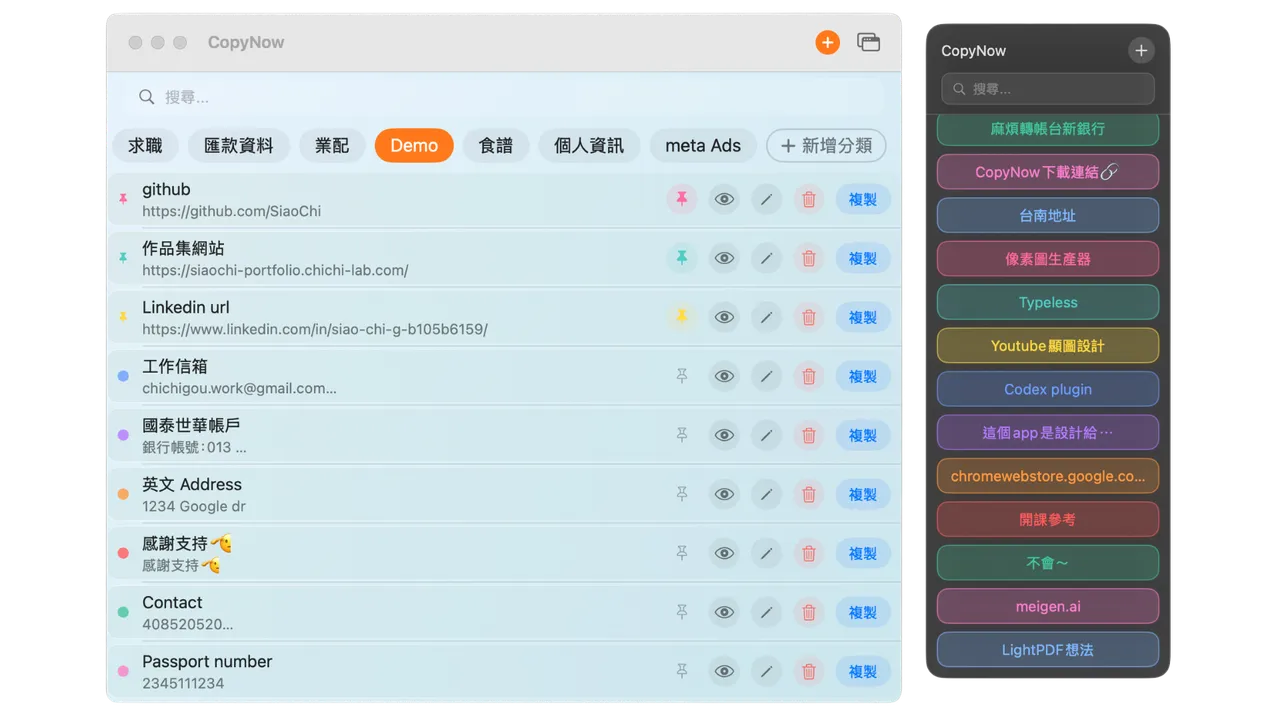
The interface is clean and it works without an account — I love that. It lives in the Mac menu bar and my workflow is so smooth.
L Leo ChangProduct Designer
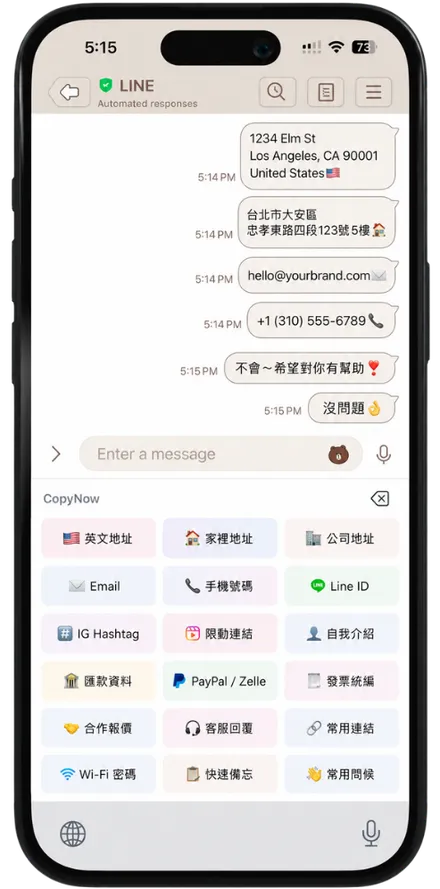
During my job hunt I applied to a dozen places at once — thank-you notes, bios, portfolio links all saved as cards. With the CopyNow custom keyboard I type them straight into forms without switching screens.
Y Yuki SatoContent Creator
Social links, bios, and discount codes are all cards now, so I reply to fans super fast. I used to dig through Notes forever — now it’s one tap. I can’t go back.
A Anna WuMarketing Specialist
Sync is rock solid — a card I make on my phone is right there when I open my Mac. So simple I didn’t need to learn anything.
I send course info and shared notes to the whole class at once — saves a ton of time. Affordable for students too, and free forever is great.
I send dozens of openers, quote links, and meeting URLs a day. I used to paste the wrong thing all the time — now CopyNow keeps them sorted and I paste with one tap, no more mistakes.
C Claire ChengUX Designer
It works offline, which is perfect for quickly replying to messages on the train.
J Joy YehElementary Teacher
Class announcements, parent group messages, leave-request templates — I paste them many times a day. After saving them as cards, my morning prep takes half the time.
S Sam KuoSoftware Engineer
CopyNow is my favorite Mac app right now — I don’t know how I managed before.