Guides· September 1, 2026
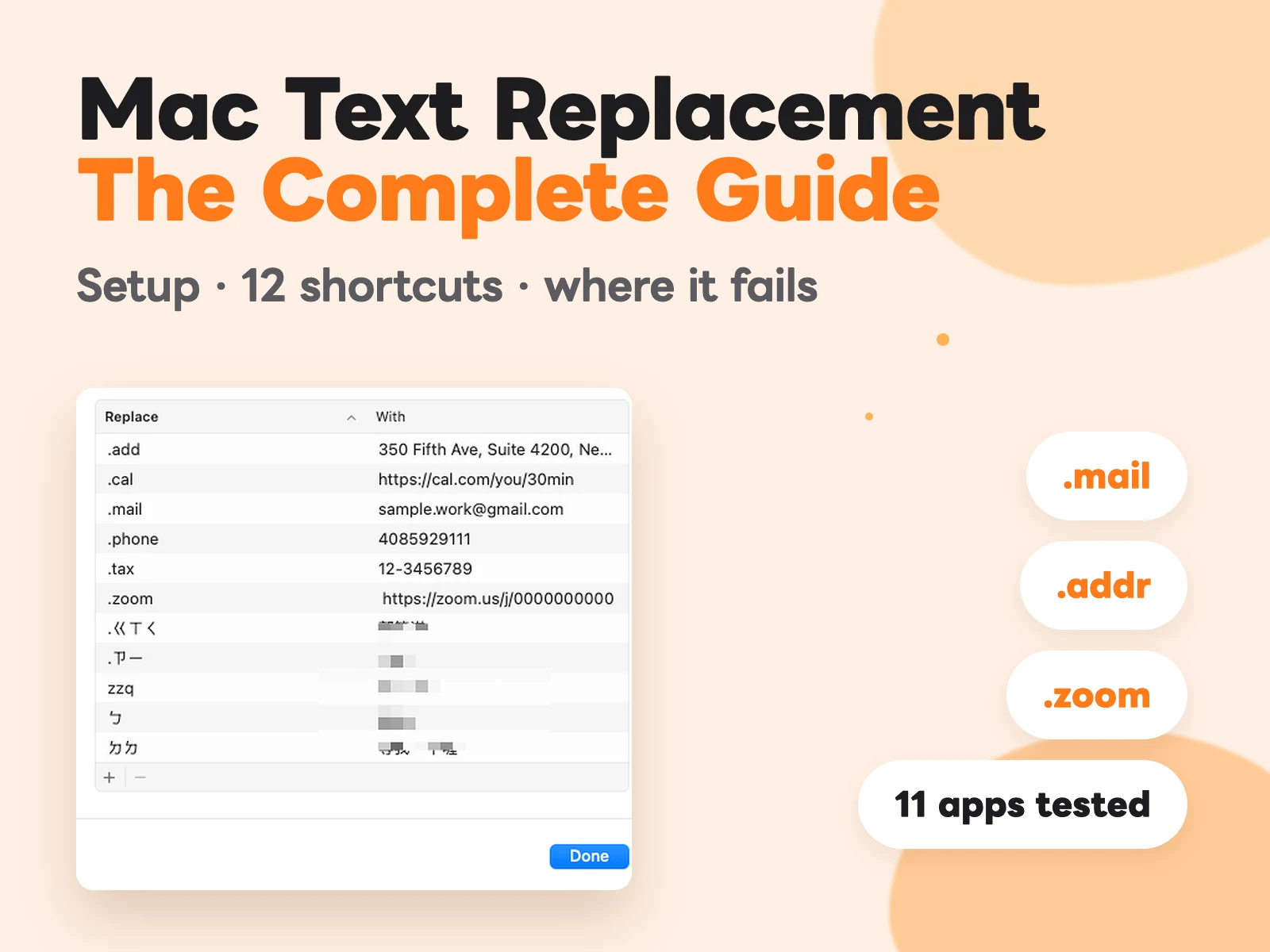
Mac Text Replacement: The Guide, and Where It Fails
How to set up Text Replacement on macOS, 12 shortcuts worth adding today, which apps it silently fails in (11 tested), and how to back up your whole list from Terminal.
Guides· September 7, 2026
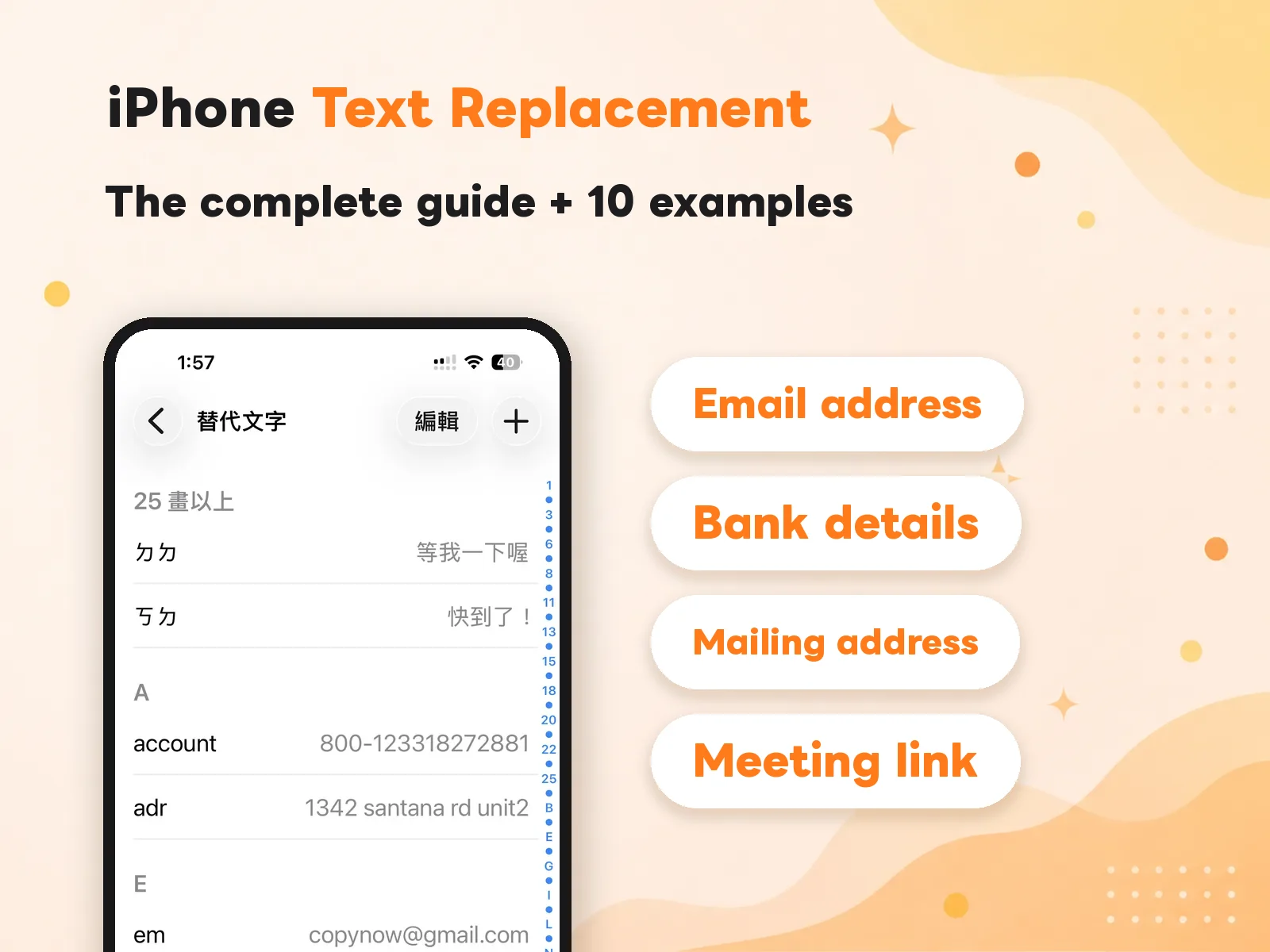
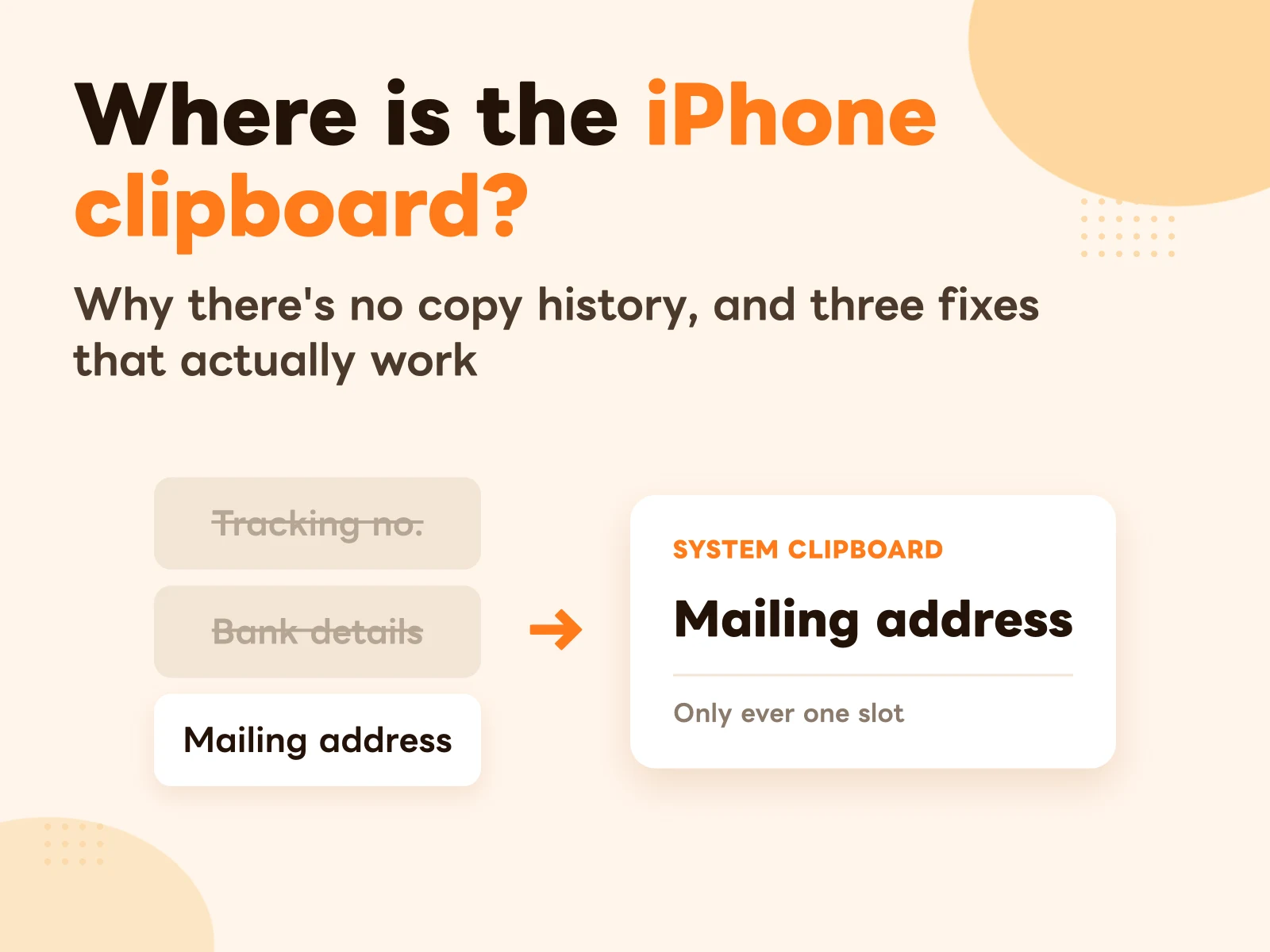
iPhone Clipboard History: Where It Is, and 3 Fixes
There's no clipboard screen on iPhone, and it holds exactly one item. Here's why Apple built it that way, and three workarounds with their real limits.
Use Cases· February 14, 2026
Sales & Support Reply Templates: Paste Your Most-Used Messages in One Tap
Quotes, follow-ups, after-sales — save your standard replies so you answer fast and consistently, and new hires get up to speed instantly.
Use Cases· June 12, 2026
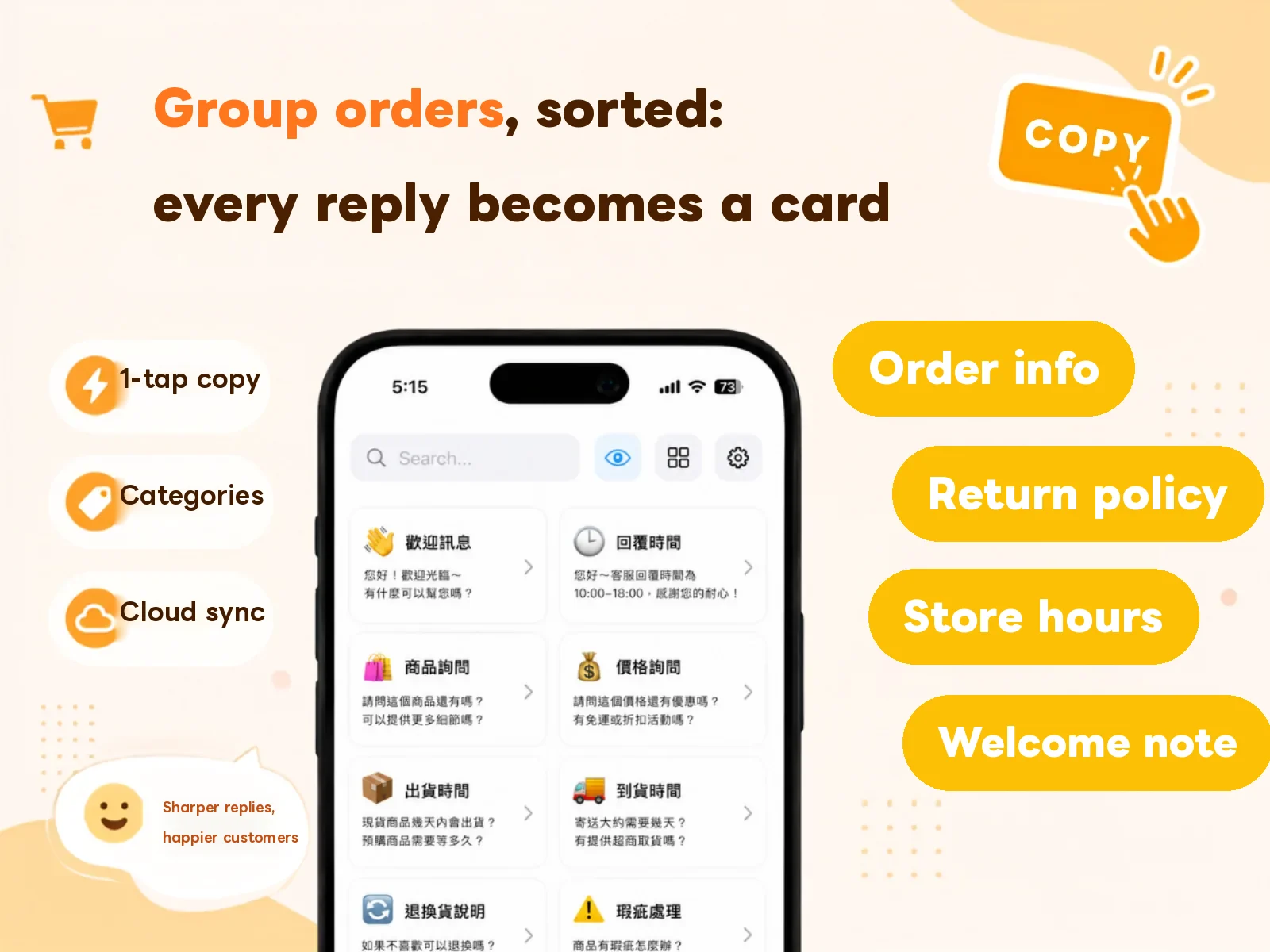
How to Organize Customer-Service Canned Responses with Card Categories
Most customer-service replies are the same messages over and over. Save them as canned-response cards on iPhone and Mac, and send them in one tap instead of retyping.
Guides· June 30, 2026
Best Clipboard Managers for Mac: Raycast vs Paste vs CopyNow
Looking for a clipboard manager for Mac? We compare Raycast, Paste, and CopyNow — clipboard history vs saved-text cards — so you can pick the one that fits how you work.
Product Updates· May 28, 2026
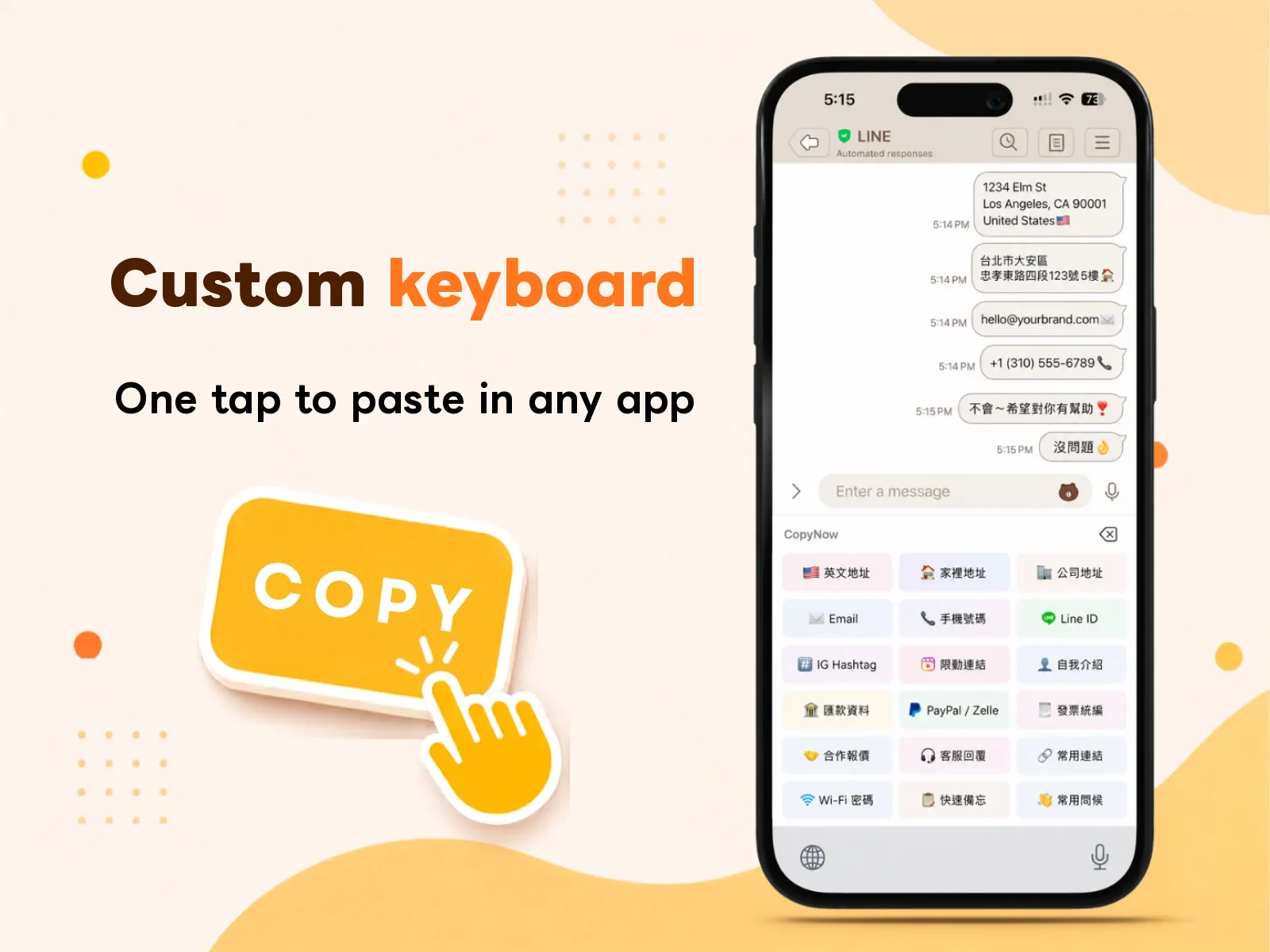
What Can the iPhone Custom Keyboard Do? A CopyNow Tutorial
No more switching back to CopyNow. Bring up your cards right on the keyboard in LINE, IG, or Gmail and send with one tap. Here's how it works.
Use Cases· May 9, 2026
Group Order Message Templates: Orders, Payment, Shipping, and Support
The slowest part of running a group order isn't finding the product — it's sending the same message over and over. Here are 10 copy-and-edit templates covering every stage, plus three rules for writing templates that actually get used.
Tips· April 22, 2026
How to Set Up CopyNow: 5 Settings That Cut Your Typing Every Day
Pin your go-to cards, turn on the custom keyboard, sort by situation, and name cards the way you'll search for them. Five minutes of setup you keep getting back every day.
Guides· March 30, 2026
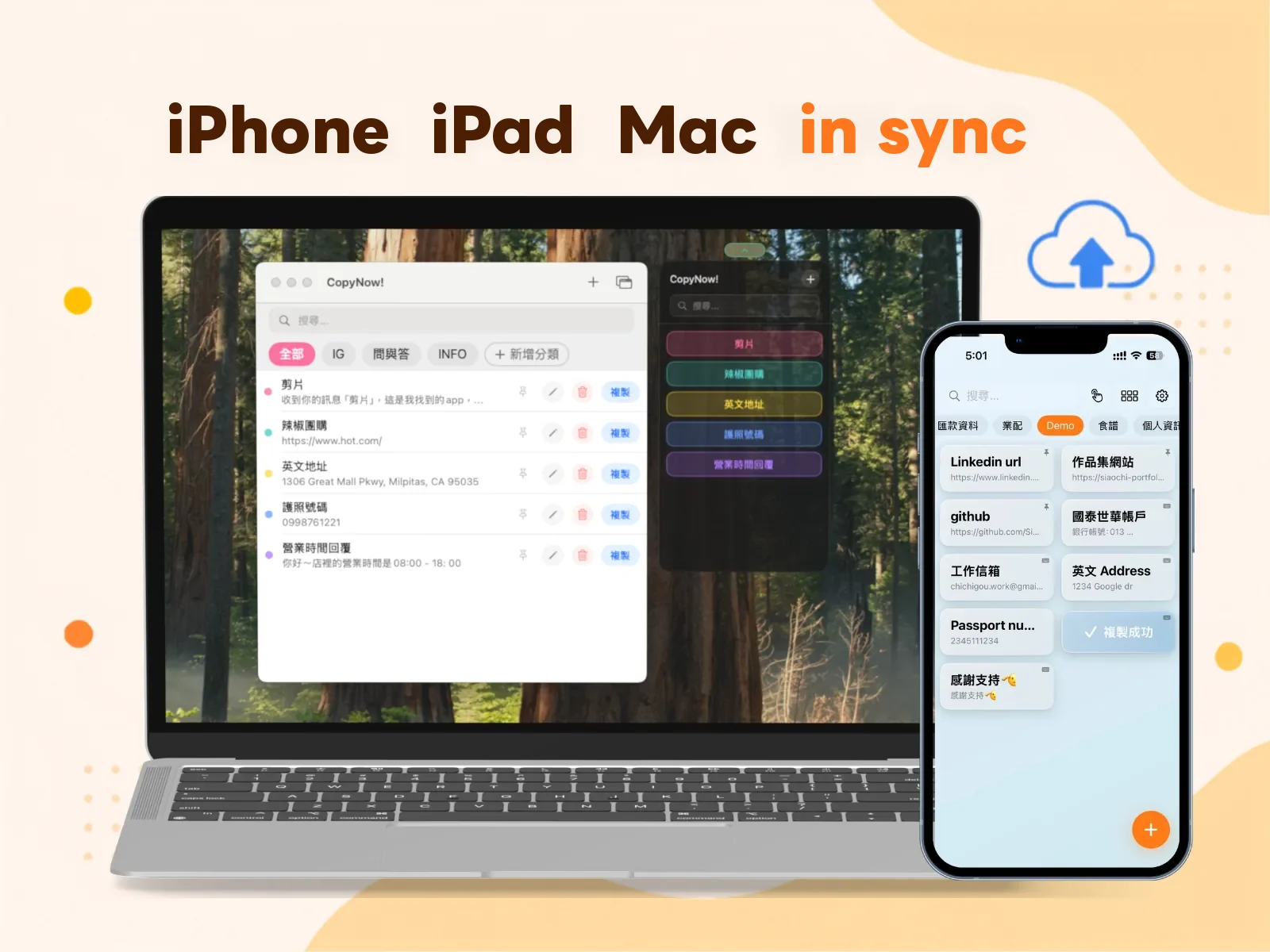
How CopyNow Syncs Across Devices — and What to Check When It Doesn't
Save a card on iPhone and it's on your iPad and Mac. Here's how the sync actually works, where your data really lives, and the order to check things in when it isn't syncing.
Guides· March 4, 2026
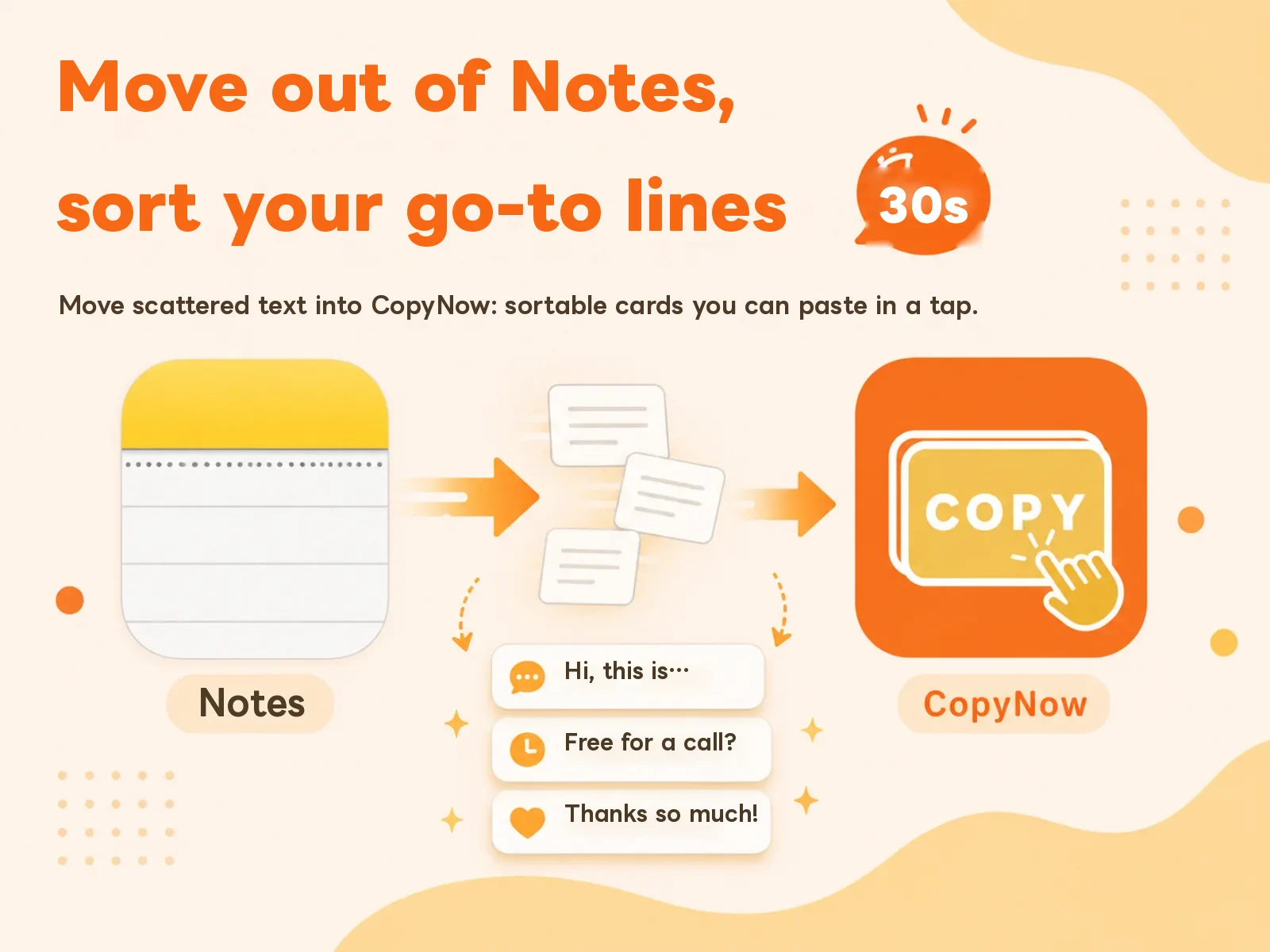
How to Paste Your Go-To Text Fast on iPhone — Without Living in Notes
Your go-to lines are buried in a Notes file, so every use means open, scroll, select precisely, copy. Here's how to decide what's worth moving, and how to turn it into cards you tap once.