The slowest part of running a group order usually isn’t sourcing the product or rounding up buyers. It’s replying with the same message, over and over.
Confirm the order. Send the payment details. Confirm the payment landed. Announce shipping. Follow up on delivery. With thirty buyers that’s at least a hundred and fifty messages — and nearly every one of them says the same thing.
You don’t have to retype any of it. Save them once and the whole cycle runs about twice as fast.
Below are 10 templates covering launch through post-sale. First, three rules that decide whether you’ll actually use them.
Three rules for templates that get used
Most people write templates once and then never touch them again. Usually it’s one of these three mistakes.
Rule 1: Leave blanks, not half-filled values
Mark every part that changes with something obvious and impossible to miss — ____ or [ ].
Don’t write “Item: chocolate cookies” and edit it each time. That’s how last buyer’s item ends up in this buyer’s message. A blank is safer, because a blank you forgot to fill is visible at a glance.
Rule 2: Keep the tone, don’t write a legal notice
Group orders are person-to-person. A template can save you time, but it shouldn’t save you warmth.
“Thanks so much!” and one emoji cost nothing and completely change how the message lands. You want “fast but not cold,” not “fast and robotic.”
Rule 3: End with the next step, every time
This is the one people skip most.
A good group-order message always tells the buyer what happens next: pay by this date, reply with the last digits, wait for the shipping notice, check the package on arrival.
A message without a next step gets a reply asking about it — and that reply costs you another message. A well-written template doesn’t just save this message; it saves the three that would have followed.
Taking orders
1. Launch announcement
[____ group order] is open!
Item: ____
Group price: ____ (retail ____)
Orders close: ____
Estimated shipping: ____Order here 👉 ____
Questions? Comment or DM me and I’ll get back to you 🙌
2. Order confirmation
Got your order!
Item: ____ · Qty: ____ · Total: ____Please complete payment by ____ and I’ll get it shipped as soon as it lands 🙌
Payment details coming in the next message.
3. Last call
Quick reminder — orders close today at ____!
Still want in? 👉 ____
If you’ve ordered but haven’t paid yet, please do it today so I can place the bulk order 🙏
Payment and reconciliation
4. Payment details
Payment details:
Bank: ____
Account name: ____
Account number: ____
Amount: ____Once you’ve paid, reply with the last 5 digits of your account so I can match it up. Thank you!
⚠️ Be careful with this one: verify the account number before you save it as a template. Get it wrong once and the wrong version goes out to everyone. Saved-and-verified is actually safer than retyping it each time.
5. Payment received
Payment received and matched to your order ✅
Item: ____ · Qty: ____
Next I’ll place the bulk order with the supplier. I’ll message you again once it ships.
6. Payment not found
Sorry to bother you — I didn’t find your payment when I reconciled 🥲
Just checking: haven’t paid yet, or paid but haven’t sent me the last digits?
If you’ve already paid, send me the last 5 digits or a screenshot and I’ll double-check 🙏
Shipping and delivery
7. Shipped
Your package is on its way 📦
Carrier: ____
Tracking: ____
Estimated delivery: ____ business daysPlease check it when it arrives — any issues at all, just message me 😊
8. Delay or out of stock
A quick update 🙏
____ has been delayed to ____ because of ____.
I’m really sorry about the wait.If waiting doesn’t work for you, just say the word and I’ll refund you — no problem at all.
This is the most important one. Delays aren’t the problem; silence is. Tell them early, tell them clearly, give them an option — do those three and most buyers are fine with it.
After the sale
9. Delivery check-in
Your package should have arrived — did it get there okay?
Anything at all (missing items, damage, not what you expected), let me know and I’ll sort it out 🙌
And if you loved it, tell me — I’ll give you a heads-up next time I run something similar 💛
10. Returns and exchanges
Got your message — sorry about this 🙏
Could you send me two things:\
- A photo of the item as it arrived\
- Your order number or name
I’ll raise it with the supplier. It usually takes ____ business days, and I’ll update you the moment I hear back.
How to file these so you find them fast
Ten templates dumped in one note is still slow to search. File them by stage of the order cycle:
| Category | Templates | When you use them |
|---|---|---|
| Orders | 1, 2, 3 | Launch through close |
| Payment | 4, 5, 6 | The busiest and most error-prone stage |
| Shipping | 7, 8 | After the bulk order, before delivery |
| Support | 9, 10 | After delivery |
Each order is in a different stage, so pin whichever stack is current — pin “Orders” while you’re taking them, swap to “Payment” once you are reconciling. That way the three you need are always on the first screen.
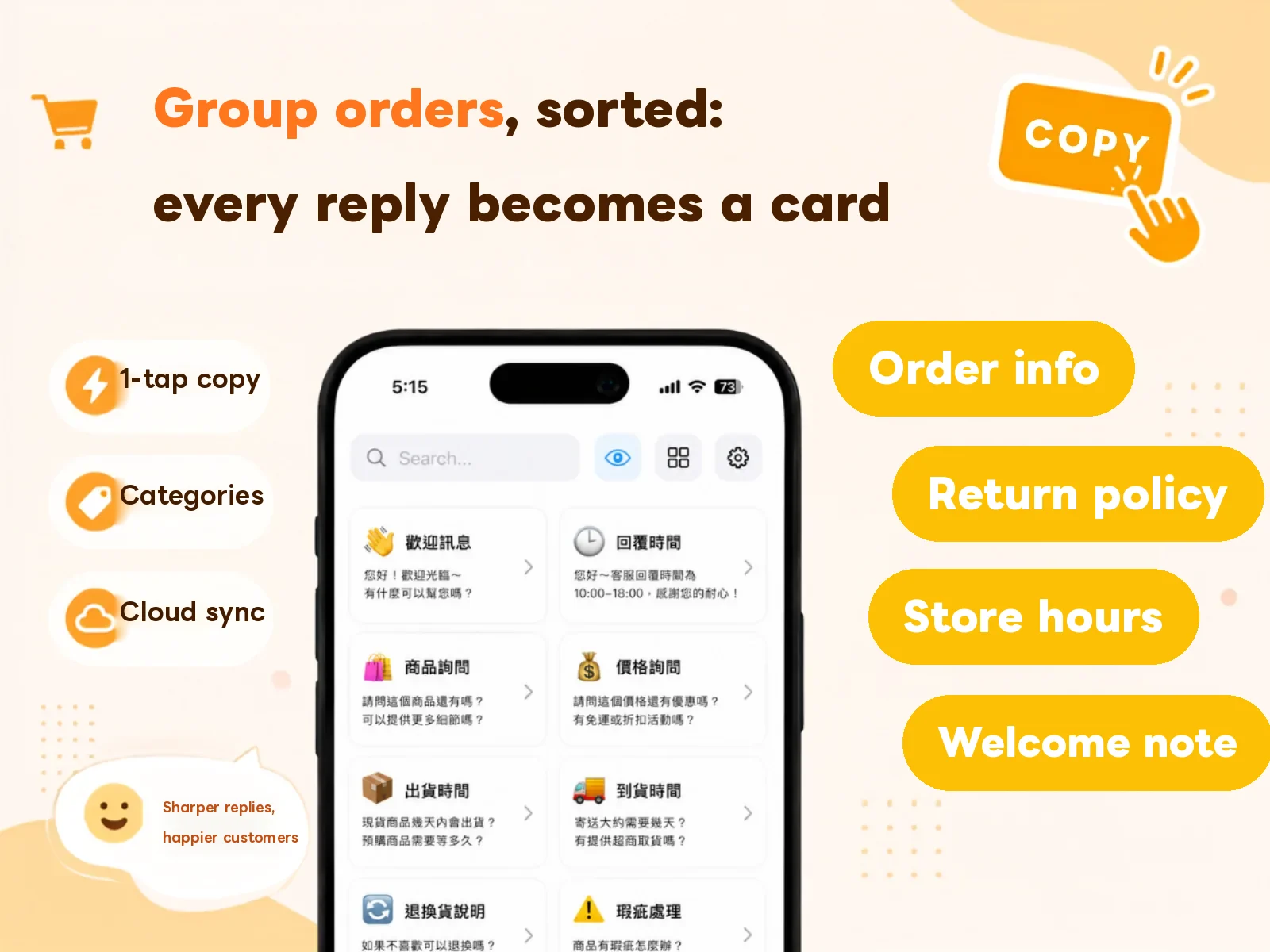
Templates 4 (payment details) and 7 (shipped) are by far the most-used in any given run, so it’s worth keeping both on the custom keyboard — then you can paste them straight into LINE or WhatsApp without switching apps.
FAQ
Can I store these in iOS Text Replacement instead? No. The “Phrase” field in iOS Text Replacement is single-line only — and every template above has line breaks and paragraphs. Text Replacement is great for short single-line data (a tax number, one phone number), but a full message needs a card-based tool.
With a lot of buyers, won’t I paste the wrong thing? The classic mistake is pasting the previous buyer’s amount into the next message. That’s exactly why Rule 1 says leave blanks — a blank prompts you to fill it; a hardcoded number doesn’t.
How much time does this actually save? With 30 buyers and about 5 messages each, at 40 seconds to type versus 5 seconds to tap a card, one run saves roughly 1.5 to 2 hours — and it’s the most fragmented, most interruption-prone kind of time.
I keep wanting to reword things. Won’t templates lock me in? A template is a starting point, not a contract. After each run, look at which message buyers kept asking follow-ups about — that’s the one that wasn’t clear enough. Rewrite it.
Wrapping up
Repetitive group-order messages have one nasty property: the content barely changes, but the timing is scattered. You can’t batch them; you answer them in dribs and drabs all day. That’s what makes them so draining.
Save the ten above as cards, file them by stage, and pin whichever stack is current. Answering goes from “a day cut into pieces” to “one tap, sent.”
For canned messages in other situations, see how to build a canned message set. To turn them into buttons you tap inside LINE, see the CopyNow custom keyboard.
Download CopyNow for free — you’ll use it on your next run.