If you work on a Mac all day, you’ve probably hit the same wall over and over: the text you just copied is gone, you’re retyping the same reply again, or your email templates are scattered across Notes and you have to keep switching apps to dig them up.
That’s exactly where a good quick copy-paste tool for Mac saves you a ton of repetitive work.
This article rounds up three copy-paste tools worth a look for Mac users: Raycast, Paste, and CopyNow. They all speed up copying and pasting, but each one shines in a different situation.
Why does a Mac need a quick copy-paste tool?
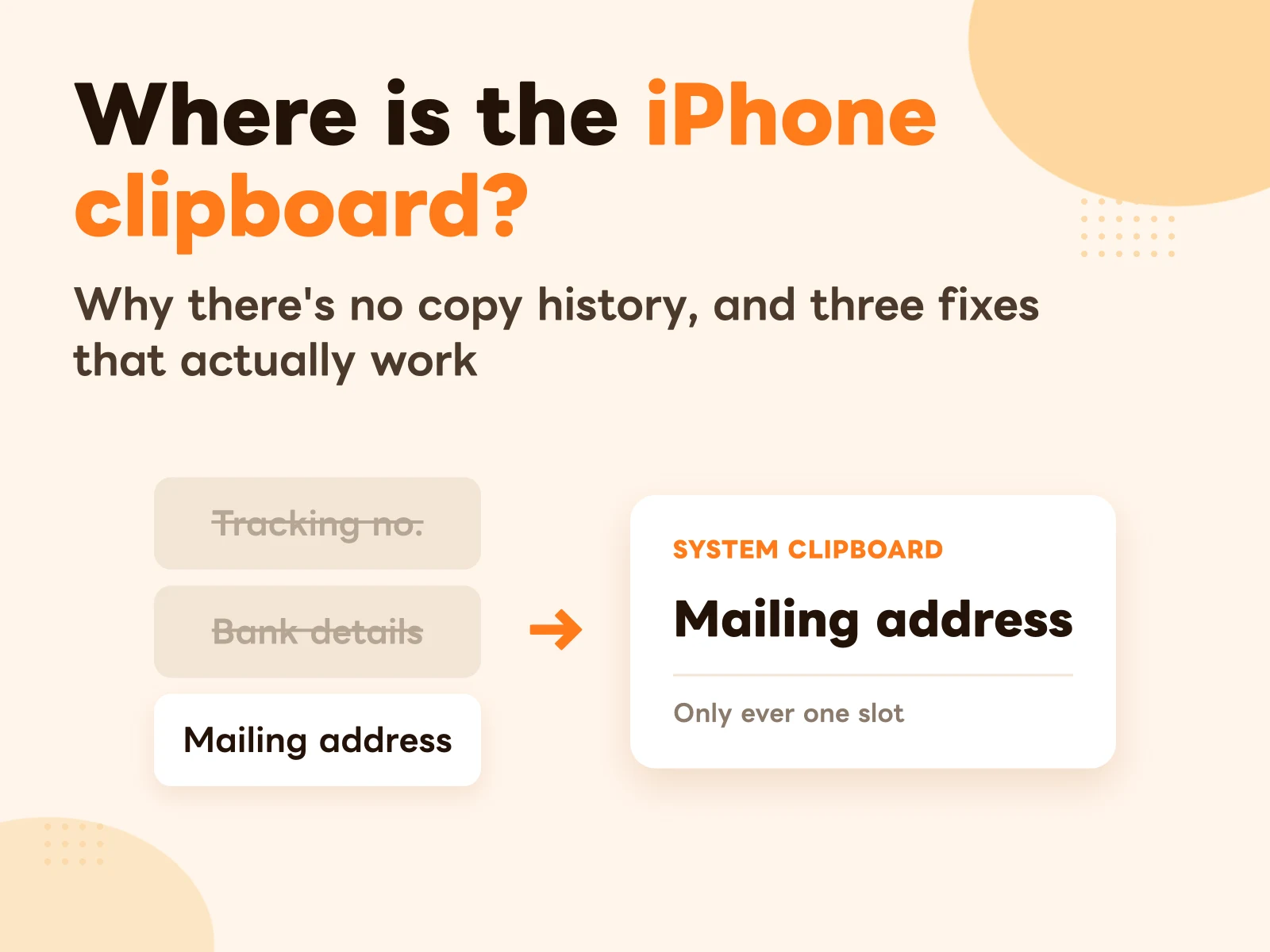
The native macOS clipboard usually holds just one item at a time. The moment you copy something new, the previous item is overwritten.
If you only copy a stray line of text now and then, that’s no big deal, and macOS already has a free answer for short fixed strings: see the Mac Text Replacement guide. But if your day involves things like:
- Support canned messages
- Sales openers
- Email signatures
- Meeting links
- Payment details
- Form URLs
- Social links
- Job-application intros
- Frequently used code snippets
…then relying on the native clipboard alone gets painful fast.
A good clipboard tool solves two problems for you:
First, it brings back something you just copied. Second, it keeps your most-used text organized so you can copy and paste it in one tap when you need it.
1. Raycast: an efficiency tool built for power users
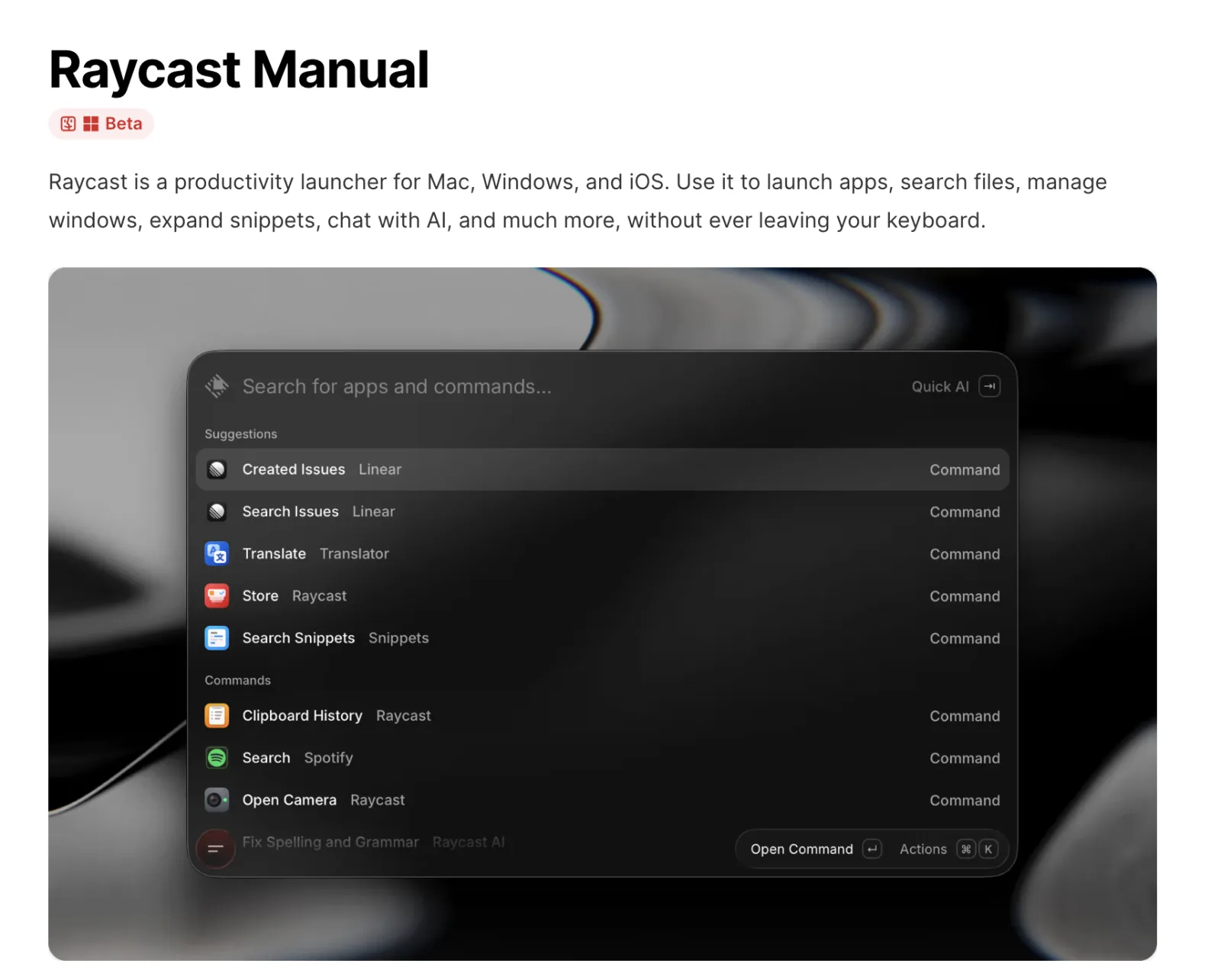
Raycast isn’t just a clipboard tool — it’s a Mac launcher and productivity app. It opens apps, searches commands, runs quick actions, and includes a built-in Clipboard History feature.
The Raycast docs note that Clipboard History can record copied text, images, files, links, emails, and even colors. You can also set a hotkey to bring up your clipboard history even faster.
Raycast is a great fit if you:
- Already drive your Mac mostly from the keyboard
- Want a single tool for searching, launching apps, window management, and the clipboard
- Need to quickly recover something you just copied
- Like using hotkeys to move faster
Raycast’s strength is how much it does — the clipboard is only one piece of it. If you’re already using Raycast, Clipboard History is pretty much a must-enable feature.
But if what you actually want is to organize your most-used text, sort your canned messages, or turn fixed content into cards, Raycast leans toward clipboard history — it isn’t built specifically for managing saved text.
2. Paste: for people who want a complete clipboard history
Paste is a dedicated clipboard manager that works across Mac, iPhone, and iPad. Its official overview explains that Paste records what you copy in the background, so text, links, images, and more can be searched and pasted later.
If you often find yourself reaching for “that thing I just copied but already overwrote,” Paste is a great fit.
Paste works well if you:
- Copy lots of different content throughout the day
- Need to search through past clipboard entries
- Want your clipboard history kept and organized in full
- Want a visual, comprehensive clipboard manager
Paste’s strength is a thorough clipboard history wrapped in a polished interface. It’s like turning everything you’ve ever copied into a database that’s easy to dip back into later.
But Paste is positioned around automatically saving clipboard history. If you don’t want to save everything you copy and would rather just organize the text that genuinely matters — the stuff you reuse over and over — you’ll probably want something lighter.

3. CopyNow: for organizing your go-to text and pasting in one tap
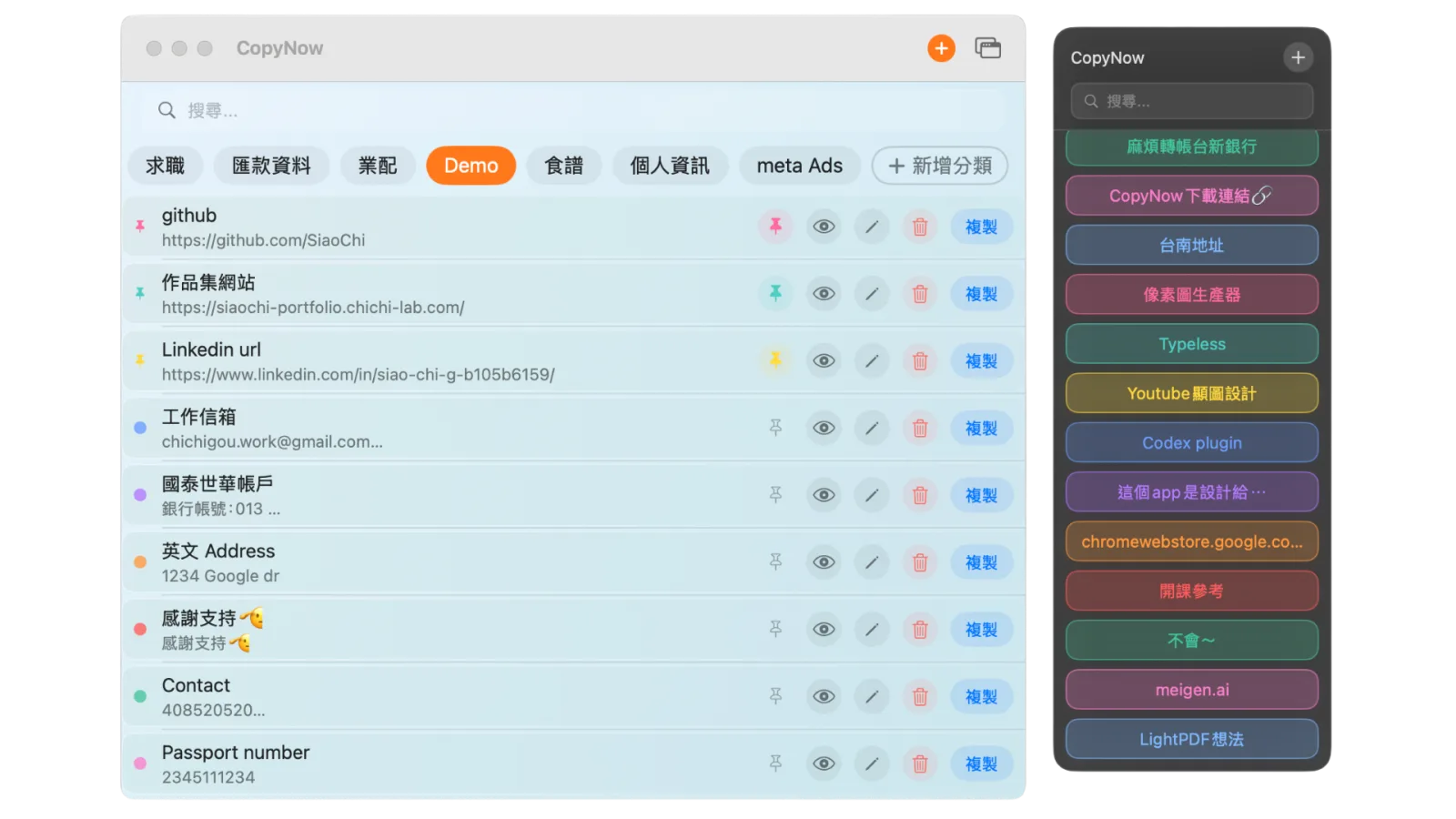
CopyNow is a quick copy-paste tool that fits iPhone, iPad, and Mac. Its focus isn’t recording every clipboard entry — it’s letting you save your most-used text as cards and copy them with a single tap whenever you need them.
Here’s the kind of content you can keep in CopyNow:
- Support canned messages
- Go-to sales scripts
- Email templates
- Payment account numbers
- Form links
- Social bios
- Discount codes
- Meeting links
- English addresses
- Job-application thank-you notes
CopyNow runs on iPhone, iPad, and Mac, and syncs your cards through iCloud. The Mac version can live in your menu bar, so a single click copies what you need — no opening Notes, no digging through documents, no retyping.
CopyNow is a great fit if you:
- Want to organize the text you reuse on a regular basis
- Don’t want to save your entire clipboard history
- Often need to quickly paste support replies, sales messages, or form links
- Use iPhone, iPad, and Mac together
- Want a simple, lightweight tool that’s ready the moment you open it
CopyNow is more of a “saved-text card tool.” Instead of searching through a huge pile of clipboard history, you organize the important content up front, then copy it in one tap.
Raycast, Paste, or CopyNow — how to choose?
If you’re a power user who already lives in keyboard shortcuts and wants app launching, commands, search, and the clipboard all in one place, go with Raycast.
If the problem you hit most is “the thing I just copied is gone” and you want to keep a complete clipboard history, go with Paste.
If what you need is to organize your most-used text and paste it in one tap — support replies, sales scripts, email templates, payment details, form URLs — then CopyNow is the better fit.
In short:
- Raycast: great for Mac power users
- Paste: great for managing clipboard history
- CopyNow: great for organizing go-to text and pasting it in one quick tap
Which tool is best for support, sales, and creators?
If you work in support or sales, run group buys, or create content, what you usually need isn’t to “remember everything you’ve ever copied” — it’s to “quickly find the content you reach for again and again.”
For example:
- Support reps answering common questions
- Sales reps sending quote links and openers
- Group-buy hosts sharing payment details and form URLs
- Creators pasting social links, intros, and discount codes
- Job seekers pasting portfolio links and intros
This kind of content usually isn’t a one-and-done copy — it’s something you reuse every day, every week, with every customer.
In those cases, keeping the content in a card-based tool like CopyNow is faster than stashing it in Notes, documents, or chat logs. You don’t have to search through a whole note — you just tap a card and it’s copied.
The takeaway: with Mac copy-paste tools, what matters isn’t having more, but having one that fits
There are plenty of great copy-paste tools for Mac, but when you’re choosing, start with one question:
Do I need to “recover my copy history,” or to “quickly reuse my go-to text”?
If you need clipboard history, give Raycast or Paste a try. If you need to organize your most-used text — canned messages, sales scripts, form links — and want it synced across Mac, iPhone, and iPad, then CopyNow is the more direct choice.
For anyone who copies and pastes all day, what you save isn’t just a few seconds — it’s fewer interruptions, less hunting for information, and less retyping.
Appendix: Raycast vs Paste vs CopyNow comparison table
Here’s everything at a glance — a quick side-by-side of the three Mac copy-paste tools:
| Comparison | Raycast | Paste | CopyNow |
|---|---|---|---|
| Positioning | Mac launcher + productivity tool with built-in clipboard history | Dedicated clipboard history manager | Saved-text card tool for one-tap copy and paste |
| Clipboard history | ✔ Built-in Clipboard History | ✔ Complete, searchable history | ✘ No history — built around saved-text cards |
| Saved-text management | △ History-first, not built for it | △ Positioned around saving what you copy | ✔ Core feature: categorized cards, one-tap copy |
| Devices | Mac | Mac, iPhone, iPad | iPhone, iPad, Mac |
| Cross-device sync | — (Mac-first) | ✔ | ✔ iCloud sync |
| Pricing | Core features free | Subscription (free trial) | Free plan + US$14.99 one-time lifetime upgrade |
| Best for | Mac power users, keyboard-first workflows | People who want a complete clipboard history | Support, sales, group-buy hosts, creators |
If you need clipboard history, go with Raycast or Paste. If you want your go-to text organized as cards and pasted in one tap across devices, download CopyNow for free and start right away.
That’s the Mac side. iPhone is a different story — the system gives you no clipboard history at all. Why that is, and what actually works instead, is in iPhone clipboard history.