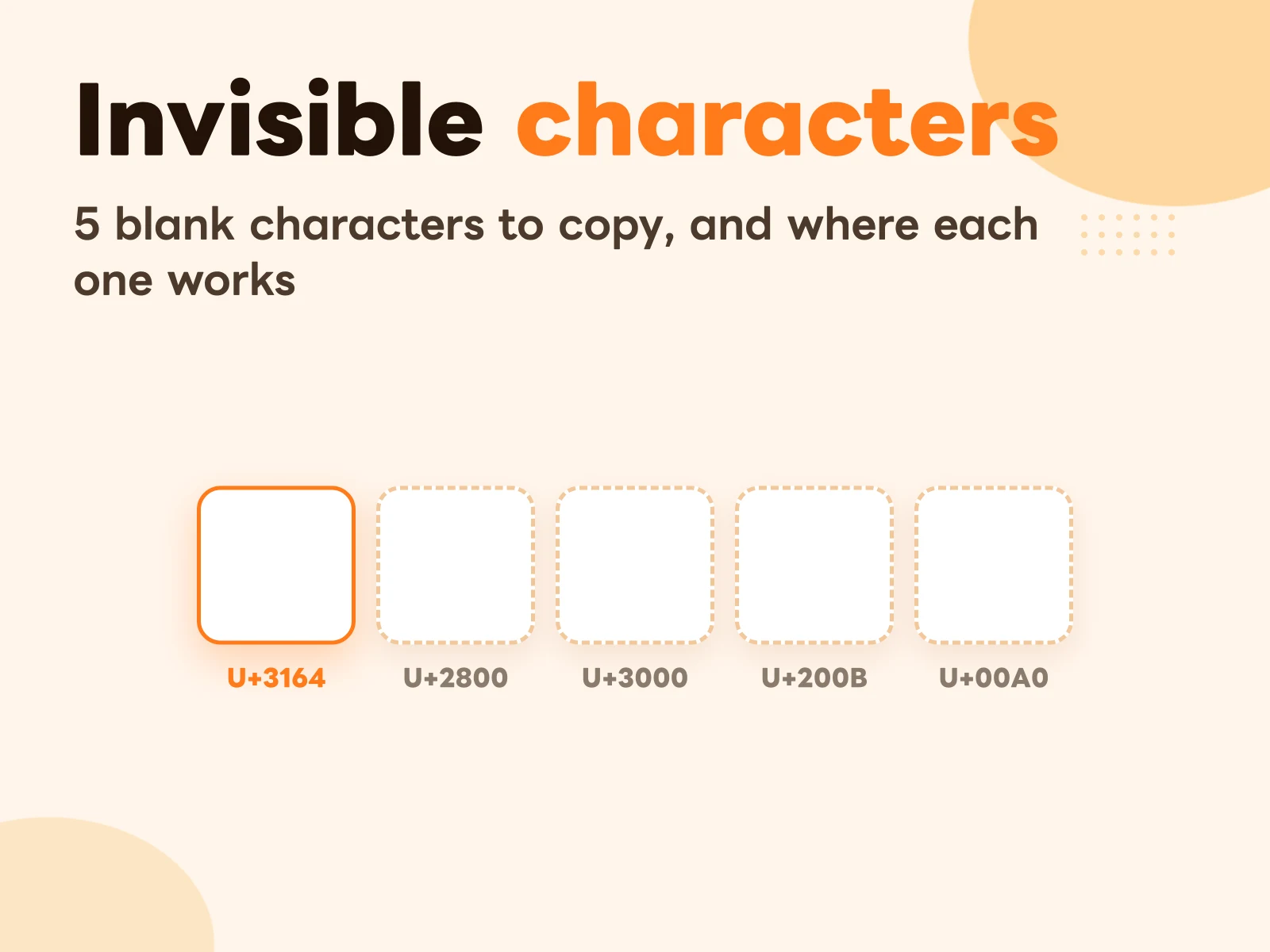
You can’t type these on a keyboard; you have to copy and paste them. Here’s how:
- Tap a button below. When “Copied” shows in its corner, it’s on your clipboard (seeing nothing is normal, it’s a blank)
- Go to the field in Instagram, Discord or your game, long-press, and choose Paste
Not sure which one to pick? For names, try the first. For post formatting, try the second. The rest of this post explains why those two, and when the other three are actually useful.
Why the space bar doesn’t work
In plenty of apps, a name field with just a space either refuses to save (“name can’t be empty”) or saves and quietly drops the space. Not every platform is that strict, though: when I tested Instagram highlight names, a single space bar press saved fine.
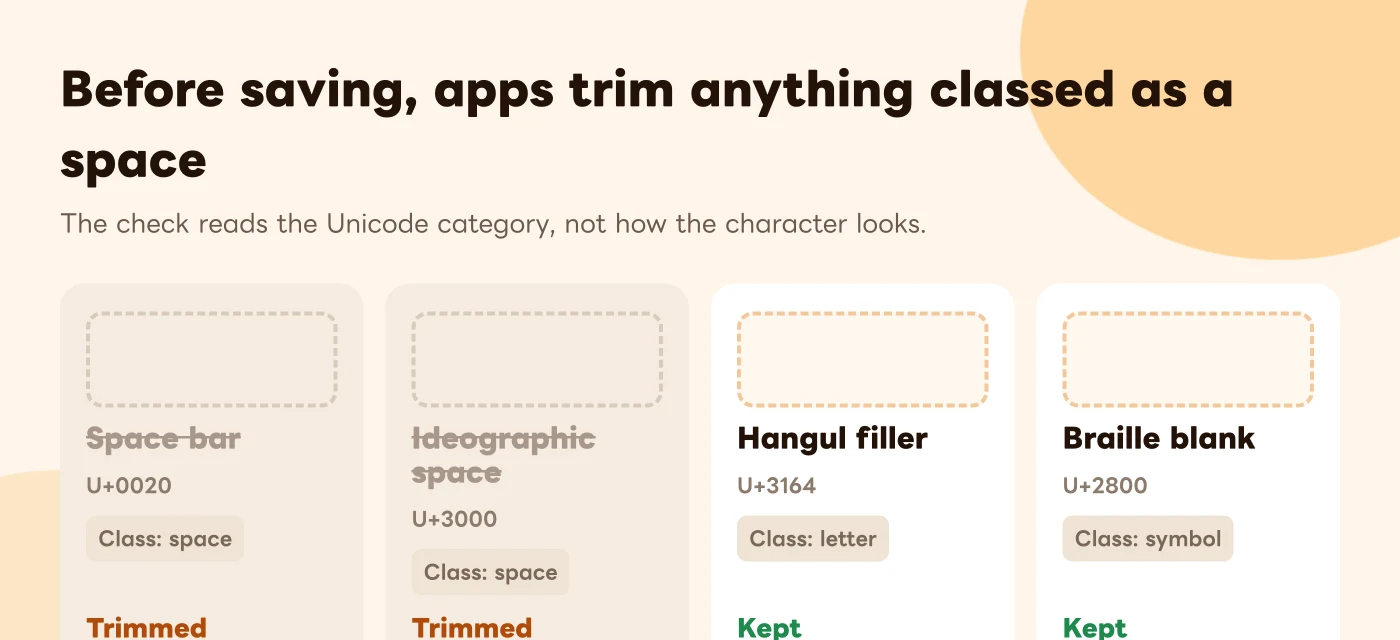
Almost every app trims leading and trailing whitespace before it saves anything. It’s there so a stray space doesn’t turn one username into two. If nothing is left after trimming, the field counts as empty.
What gets trimmed depends on Unicode’s classification: which characters are registered as “whitespace”. The space bar’s U+0020 obviously is. So are the ideographic space (U+3000) and the non-breaking space (U+00A0), which is why those three usually get stripped from the ends of a name field.
The Hangul filler (U+3164) and the Braille blank (U+2800) are different. They look blank, but Unicode doesn’t classify them as spaces:
- The Hangul filler is registered as a letter. It was originally a placeholder used by Korean input systems
- The Braille blank is registered as a symbol. It’s a Braille cell with no dots raised
Apps check the category, not the appearance, so these two survive. That’s why nearly every “blank name” trick you’ve seen online uses one of them.
The 5 blank characters and what each is for
| Width | Gets trimmed? | Best for | |
|---|---|---|---|
| Hangul filler U+3164 | Depends on the font, roughly one letter wide; zero-width on some devices | Usually not | Name fields: game names, display names |
| Braille blank U+2800 | One Braille cell wide | Usually not | Empty lines in an Instagram bio or caption |
| Ideographic space U+3000 | One full CJK character wide | Yes | Indents and lining up text |
| Zero-width space U+200B | Zero | Depends on the app | Splitting text; in my test it also keeps empty lines in an Instagram bio |
| Non-breaking space U+00A0 | One regular space | Yes | Keeping “iPhone 17” from breaking across two lines |
The “gets trimmed?” column is inferred from Unicode’s categories. In practice every platform can add its own rules, some block the Hangul filler too, and those rules change without notice. “Usually” isn’t politeness here. You really do have to try it.
Game names, display names and other name fields: try the Hangul filler first
A name field needs something that’s blank to the eye but not empty to the app. When a platform rejects a normal space, try the Hangul filler:
- Tap “Hangul filler” above to copy it
- Go to the name you want to change, long-press the field and choose Paste
- Save
If it still says the name can’t be empty, paste “Hangul filler ×5” or the Braille blank instead.
Instagram highlights don’t need any of this. When I tested in October 2026, a highlight name with a single press of the space bar saved without complaint. If it doesn’t work for you (a different app version, or the rules changed again), fall back to the Hangul filler steps above.
Game names need one extra check: some games treat unusual characters as a rule violation, or make you impossible for other players to search for. Read that game’s naming rules before you rename, so a blank character doesn’t get your account locked.
Empty lines in an Instagram bio or caption: use the Braille blank (a zero-width space works too)
Lots of people have had Instagram collapse their line breaks: you leave an empty line while editing, and after posting the two paragraphs are stuck together.
The fix is to put one Braille blank on the “empty” line:
First paragraph (this line contains a single Braille blank) Second paragraph
As far as Instagram is concerned, that line isn’t empty anymore, so it stays. To your readers it still looks like a blank line. You can try the same thing on Threads and Facebook.
This is how my own Instagram bio is laid out. In my test, putting either a Braille blank or a zero-width space on the empty line kept the blank line after saving:

Indenting and lining things up: use the ideographic space
The ideographic space is as wide as one Chinese or Japanese character, noticeably wider than a regular space, and many apps won’t collapse several of them into one the way they do with regular spaces. That makes it handy for indenting a line or nudging text into a column. It does get trimmed, so it only works in the middle of text or at the start of a paragraph, not as a name.
Zero-width and non-breaking spaces: the two niche ones
The zero-width space takes up no room at all; it looks like nothing. Its job is splitting: drop it between two characters and the system treats them as separate pieces, for example when you don’t want a string turned into a link or a hashtag automatically. The downside is that it’s hard to debug, because you can’t see where it is.
The non-breaking space looks exactly like a regular space; the difference is that a line will never break at it. Put one between a product name and its model number on a web page or a slide, and you won’t end up with “iPhone” at the end of one line and “17” at the start of the next.
How to tell whether you actually copied it
The annoying thing about blank characters: a successful copy and a failed one look exactly the same.
To check, sandwich it between two visible characters:
Open Notes, type ”[”, paste, then type ”]”
- You see ”[ ]” with a gap: it copied, and it’s a character with width
- You see ”[]” with no gap: either it’s the zero-width space, or nothing was copied. If whatever you copied before shows up instead, it didn’t copy
It pastes as a box or a question mark
That means the font doesn’t have that character. The Hangul filler and the Braille blank have no glyph in some older systems or particular fonts, so they show up as ”□” or ”?”.
Looking fine on your phone doesn’t mean it looks fine for everyone else. For something everyone sees, like a name, try a different character, or update the app to the latest version.
If you use them often, stop searching for them every time
Blank characters have one particular quality: they’re the thing you’re least likely to remember and least able to type yourself. They’re not on the keyboard and you can’t see them, so every time you need one you’re back on some web page copying it again.
If you run an Instagram account and format posts regularly, saving them is easier. One catch: saved in Notes, blank characters are indistinguishable from each other. You can’t tell which line is which.
CopyNow stores them as cards instead. Title the card “IG empty line (Braille blank)” and put the character in the body. After that, one tap on the card copies it, or tap it straight from the CopyNow keyboard inside Instagram without switching apps. Cards sync across iPhone, iPad and Mac through iCloud, so they’re there when you’re formatting on your computer too.
The same goes for anything else you can’t type: special symbols, dividers, a hashtag set you always use. How to set up CopyNow covers how to keep them organized with categories.
FAQ
Can using a blank character as a name get me banned?
We haven’t seen Instagram or Discord explicitly prohibit it, but platform rules change. Games are less predictable: some list unusual characters as invalid names, so check that game’s rules before renaming.
Why do other people see my name as a box?
Their device’s font doesn’t include that character. It happens more with the Hangul filler; try the Braille blank instead.
Is there a way to type a blank character directly on iPhone?
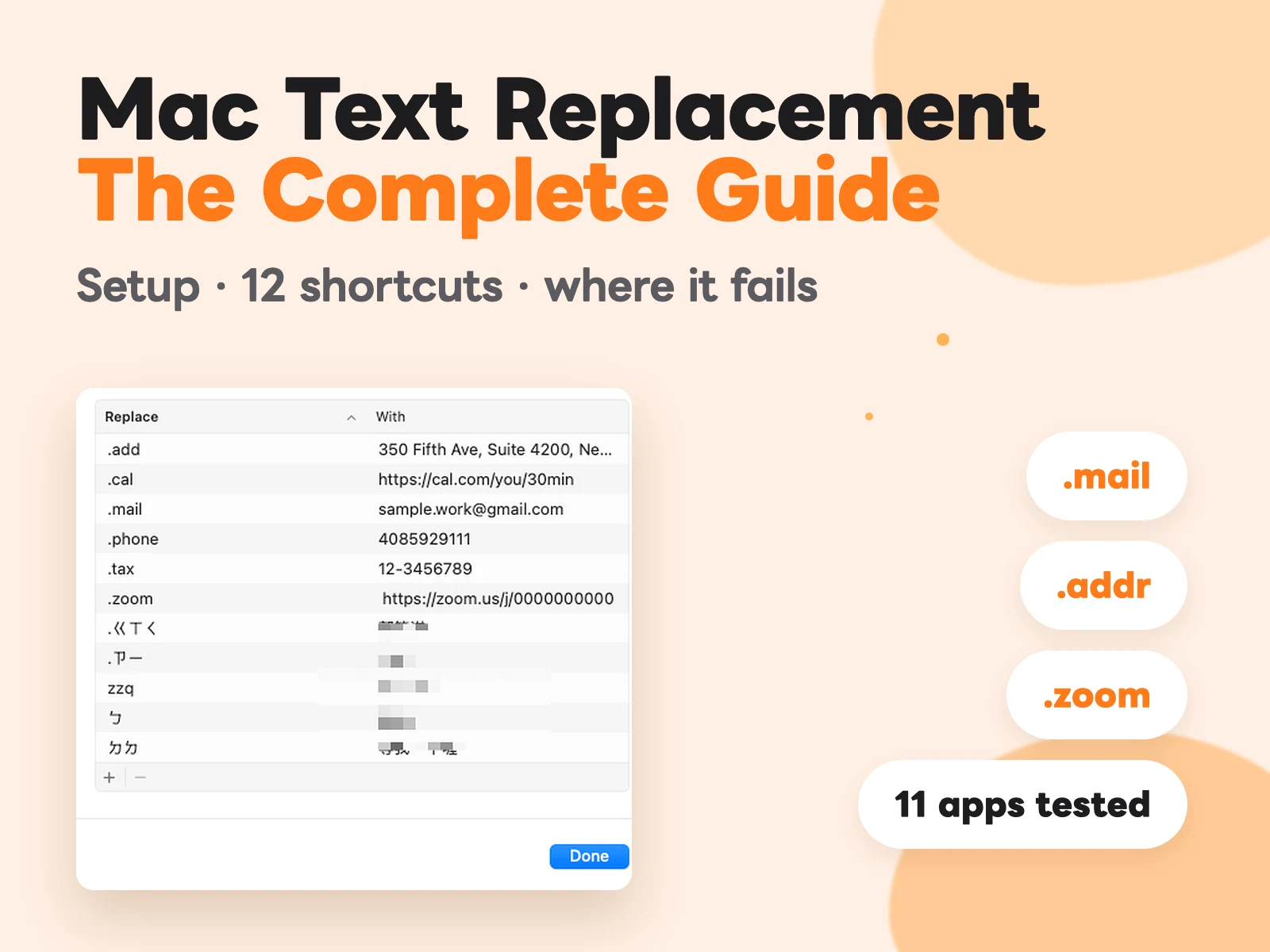
Not from the keyboard. You can try iPhone’s built-in Text Replacement, setting a shortcut that expands into a blank character, but the entry is completely invisible in the list, which makes it hard to find later when you want to edit or delete it.
Why didn’t my cursor move when I pasted?
You probably pasted the zero-width space. It has no width, so nothing seems to happen. Use the ”[ ]” check above.