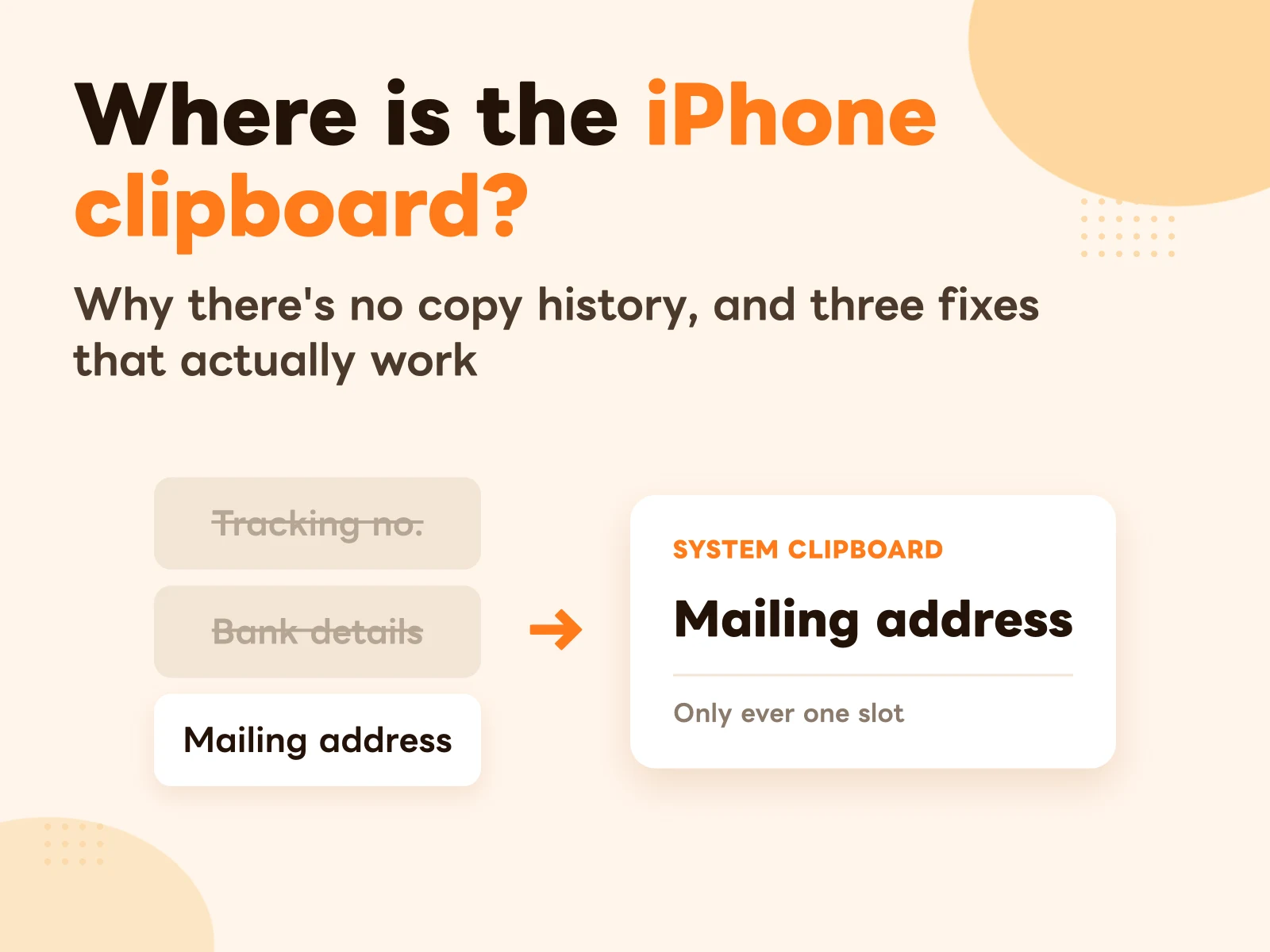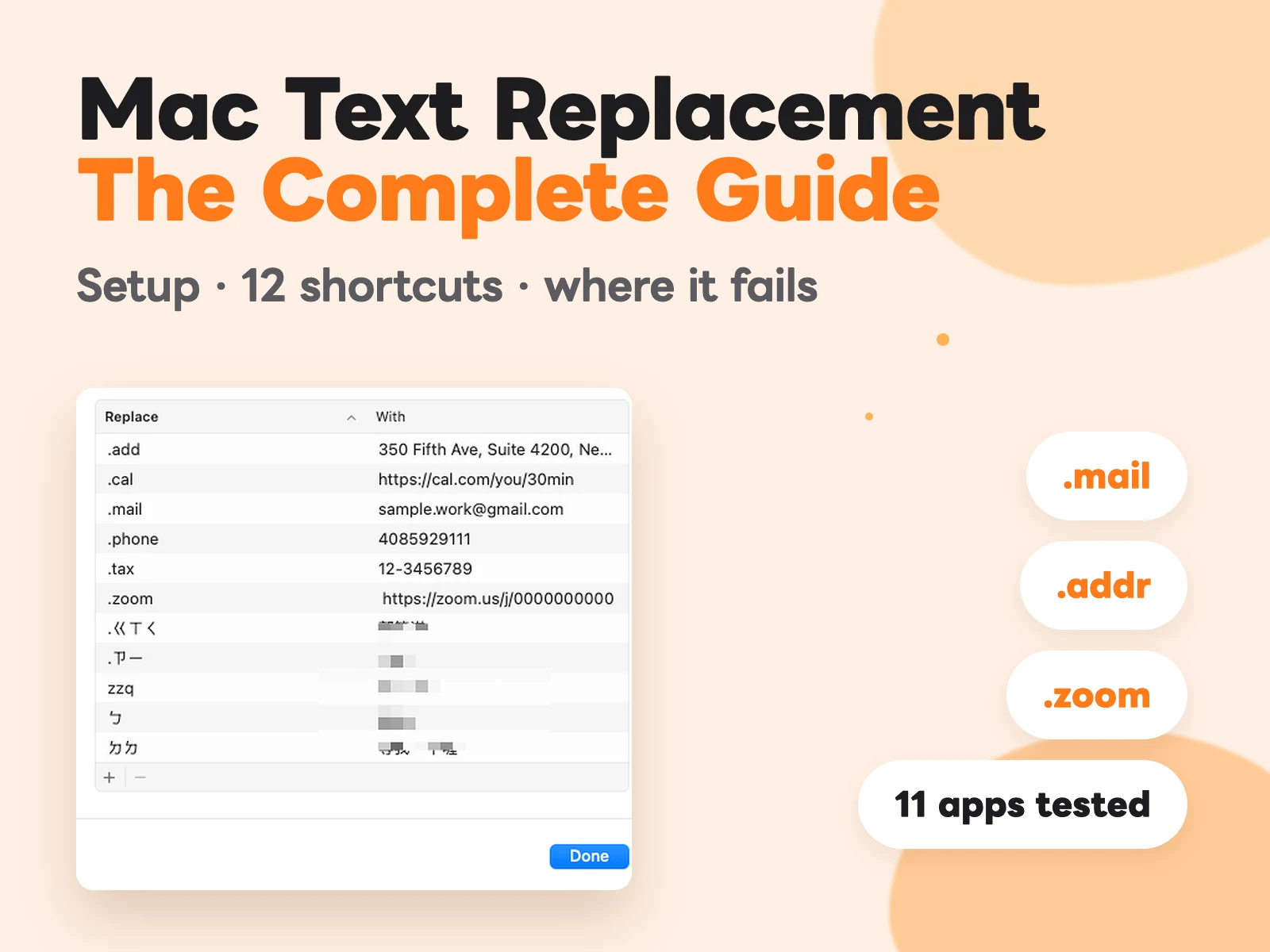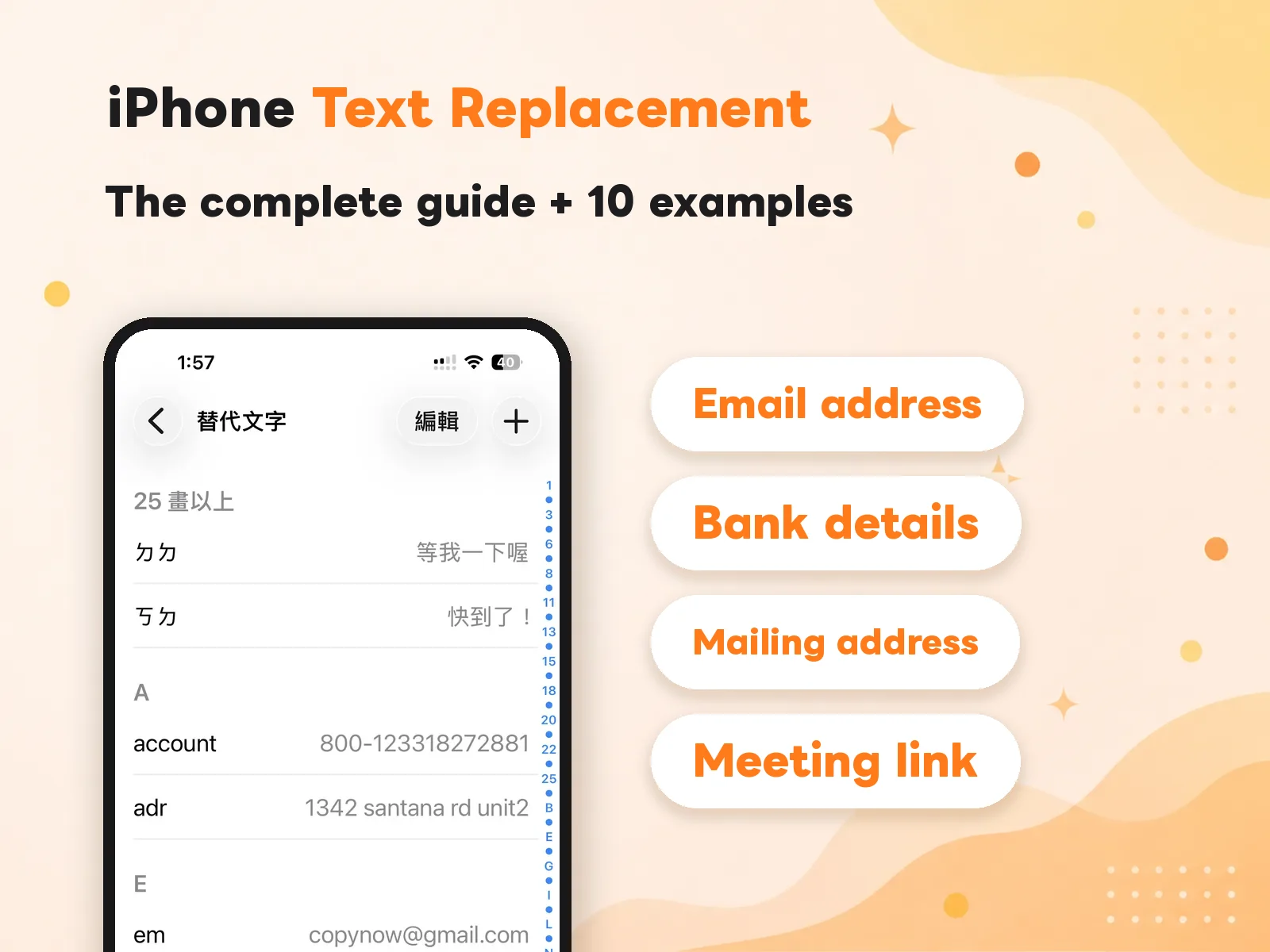
I’ve been running group buys for almost three years. At first the orders were few and typing out every reply by hand was manageable; later, when a single round brought in hundreds of orders, I realized I was spending more than half of every day retyping the same handful of sentences.
“Payment received — shipping this Friday!” “The transfer account is 822 CTBC, last five digits…” I type lines like these dozens of times a day. It wasn’t until I moved them all into CopyNow that my whole workflow finally caught its breath.
First, find the lines you type most
The first thing I did wasn’t to rush into making cards — it was to watch what I was actually repeating. I scrolled back through a full day of replies, marked the sentences that kept coming up, and ended up with about twelve core lines.
This step matters — cards aren’t better when there are more of them, they’re better when they’re precise. Save only the ones you genuinely reuse, so there’s nothing to dig through when you pull one up.
If you use a line three or more times a week, it's worth making into a card. Below that, hold off — otherwise your list gets cluttered.
Separate situations with categories
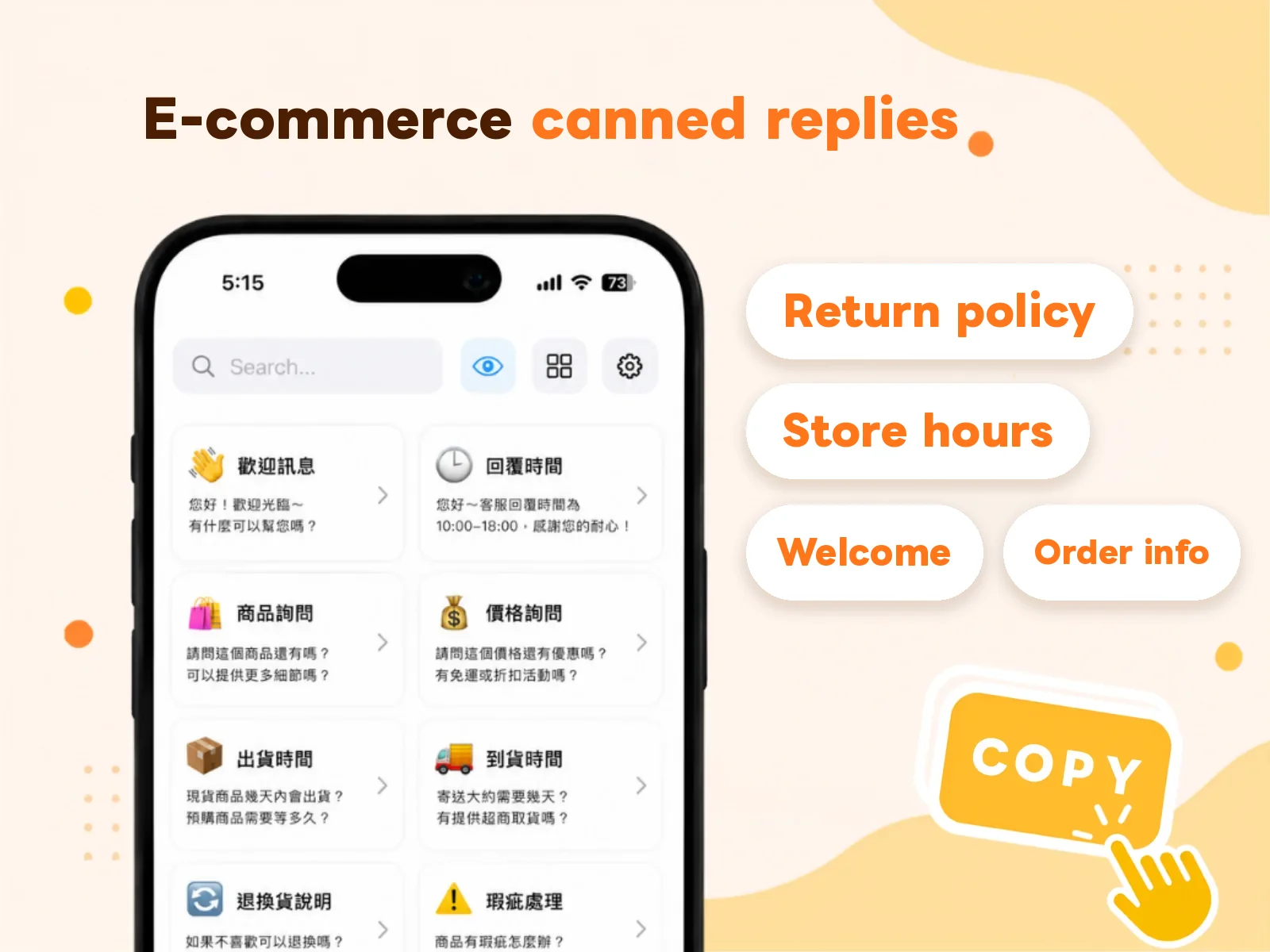
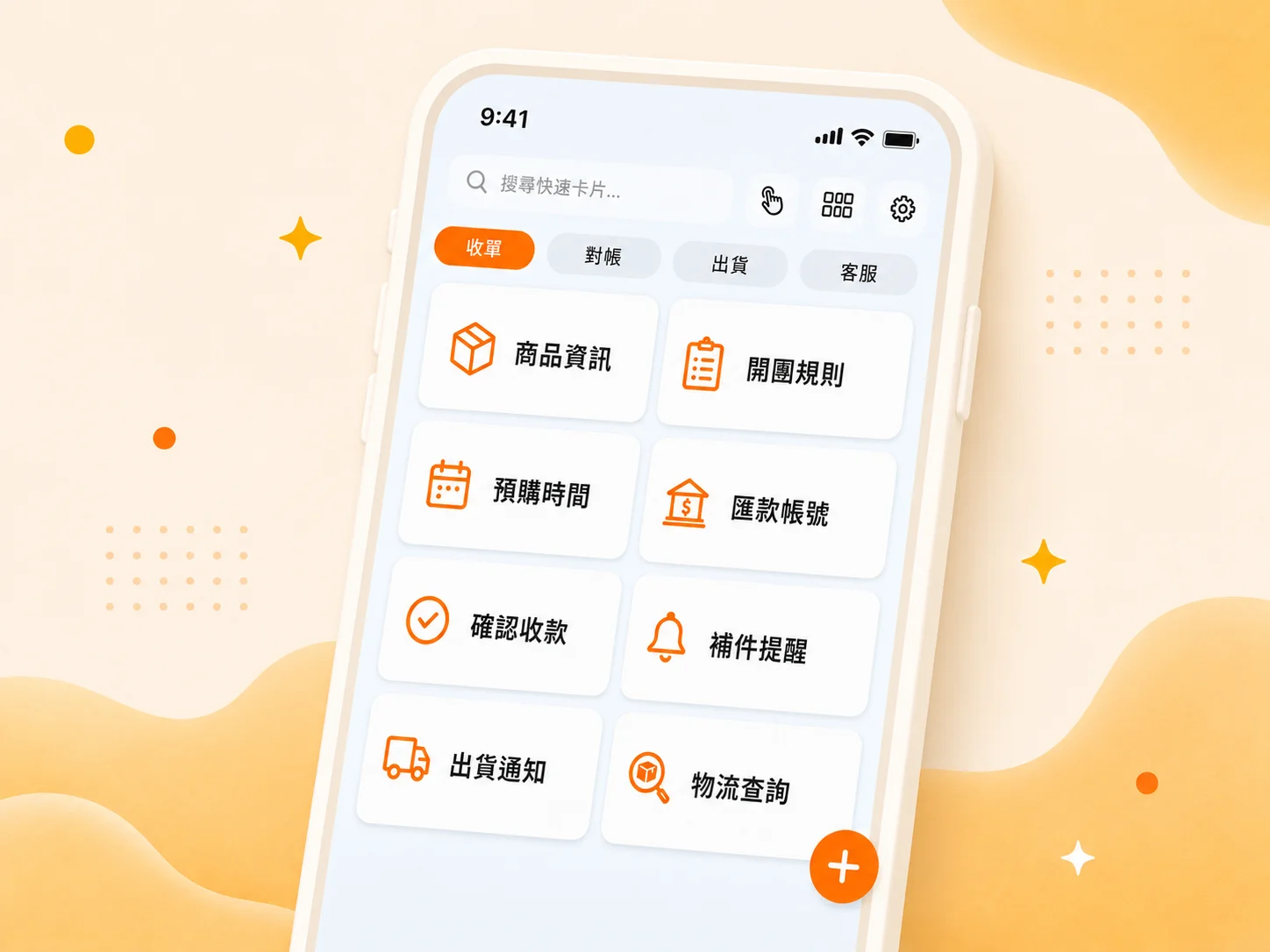
I split my cards into a few categories: Orders, Payments, Shipping, and Support. Whatever stage a customer asks about, I tap the matching category and spot the right card at a glance instead of hunting through a long list.
- Orders — product info, group rules, pre-order timing.
- Payments — transfer account, payment confirmation, document reminders.
- Shipping — shipping notices, tracking, delivery follow-ups.
The real game-changer: paste right from the keyboard
The biggest change was CopyNow’s custom keyboard. I don’t switch back to the app, copy, and switch back to LINE — I tap a card right on the keyboard in the chat box and it’s sent. In the few seconds a customer waits for a reply, I’ve already pasted the next line.
"I used to think typing was just part of the job.
Now I realize how much of it was time I could've saved."
What changed after three weeks
The most obvious shift is that my replies got faster and more consistent. No more “did I get the account number wrong this time?” anxiety, because every card is a checked, standard version. Even the part-timer I brought on replies in a tone close to mine, just by following the cards.
If you also retype the same lines every day, my advice is simple: pull out the ten you type most and save them. You’ll quickly see how much time you’ve quietly been spending on something a machine can do for you.