To paste a card before, you had to switch back to CopyNow, copy it, and switch back to the original app. Just a few steps, but they add up over a day.
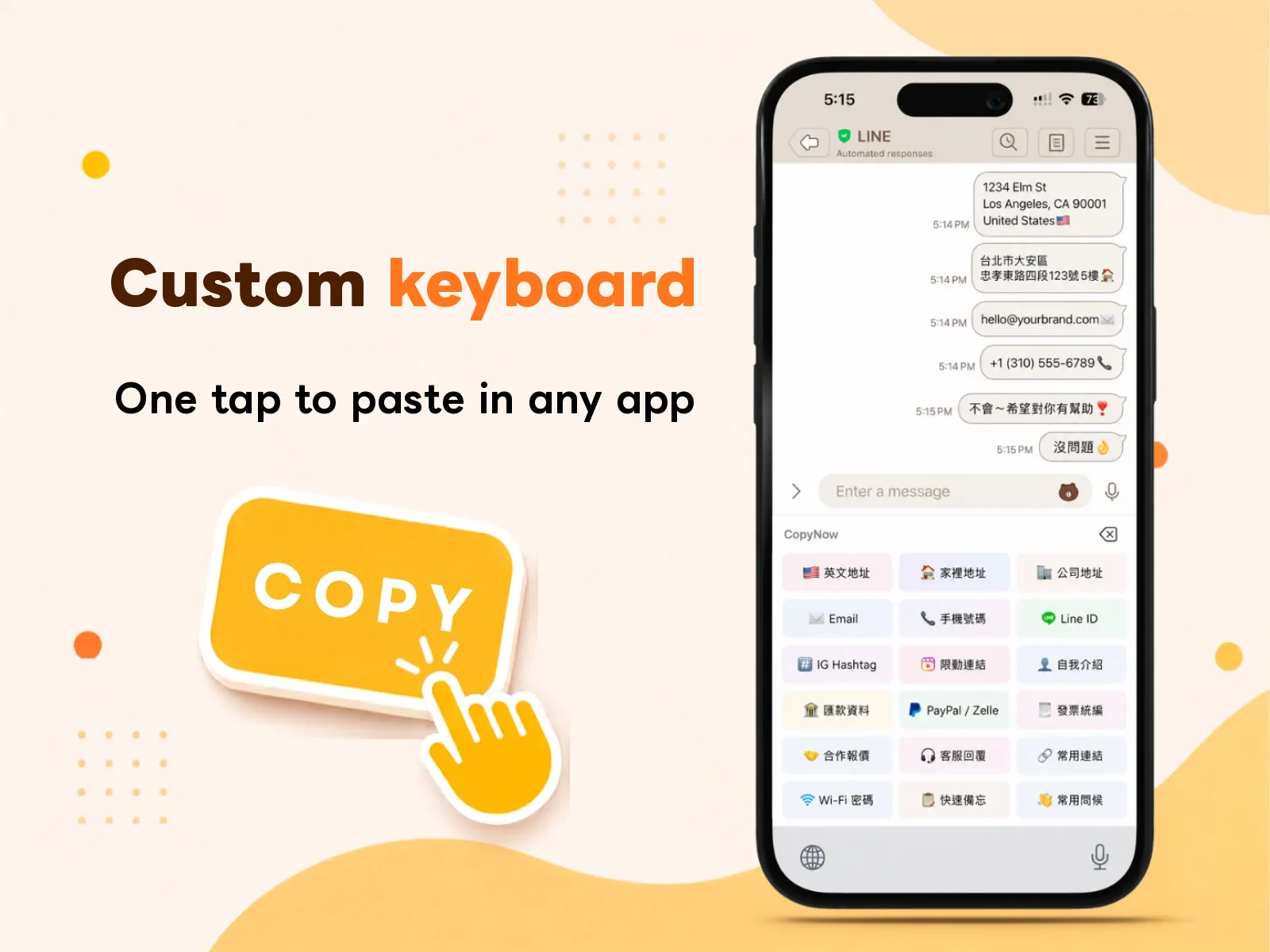
In this update, we built CopyNow directly into a system keyboard.
How to enable it
Go to Settings → General → Keyboard → Add New Keyboard and choose CopyNow. After that, in any text field, long-press the globe icon to switch to the CopyNow keyboard.
How it works
Once you switch to the CopyNow keyboard, your most-used, pinned cards appear right above the keys. Tap one and the content is typed straight into the current field — no leaving the screen you’re on.
This is a big deal for anyone replying to messages all day — support, group buys, sales — your reply speed jumps a notch.
Reorder the cards on your keyboard
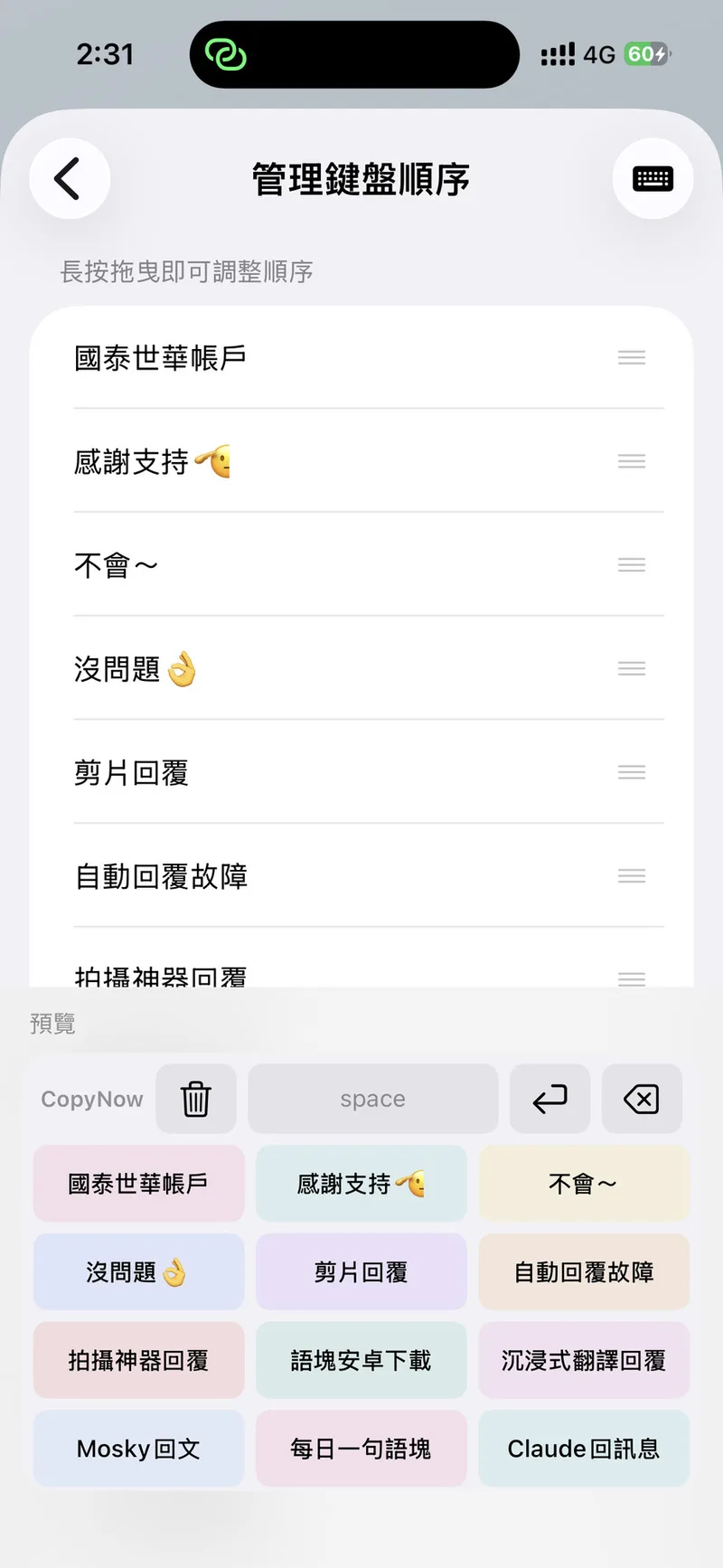
Your most-used cards deserve the handiest spot. Go to Settings → Manage Keyboard Order, then press and hold a card and drag it to arrange them however you like — the live preview below shows exactly how the keyboard will look.
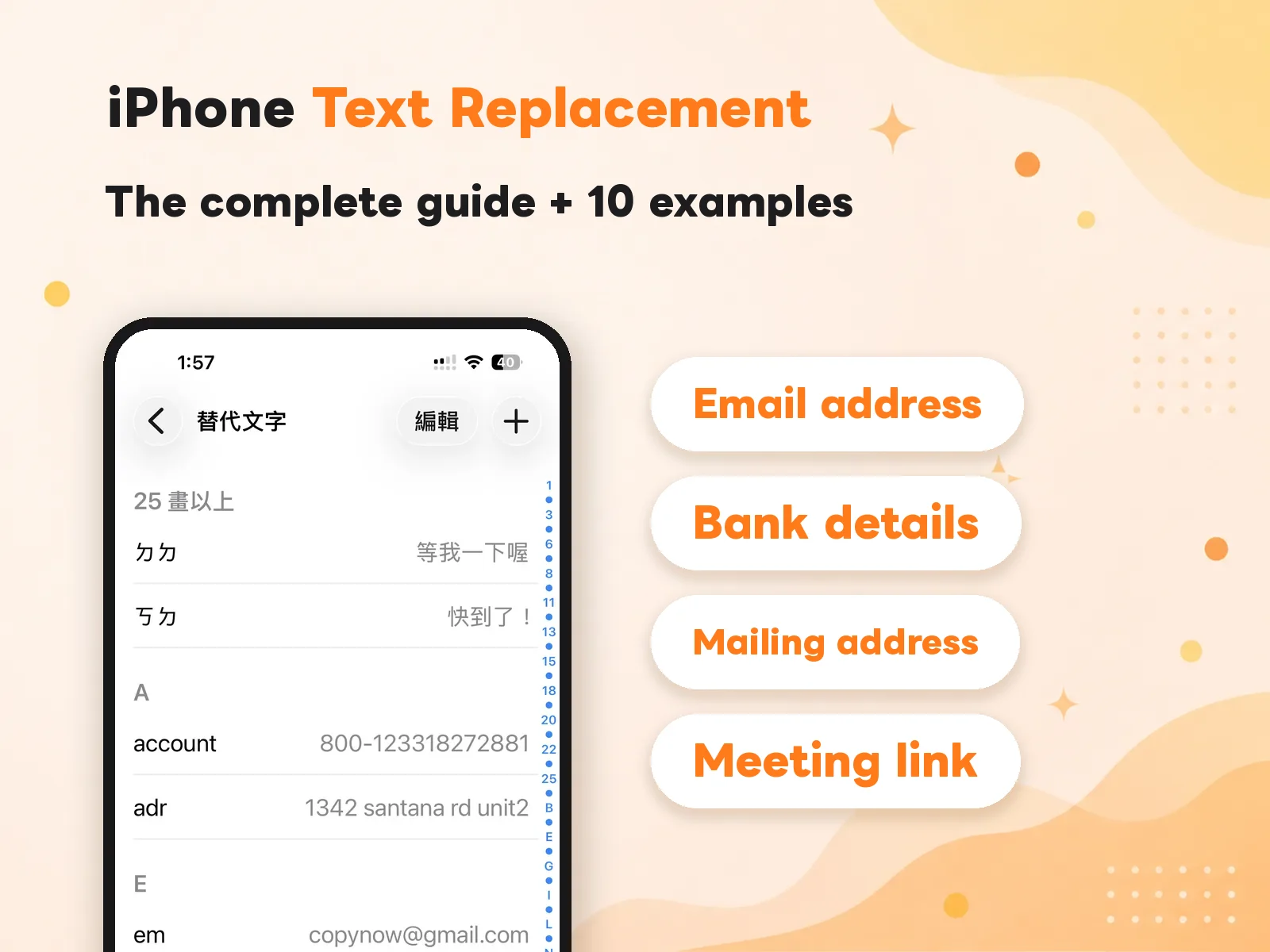
How is this different from iPhone’s built-in Text Replacement?
The two don’t conflict, but they never run at the same time. While the CopyNow keyboard is up you aren’t typing, you’re tapping cards — so there’s no shortcut to trigger a replacement. Switch back to the system keyboard and Text Replacement works exactly as before.
The split is simple: short, single-line, memorable goes to Text Replacement; long, multi-line, needs-categories goes to the CopyNow keyboard. For the full comparison and setup, see the complete guide to iPhone Text Replacement.