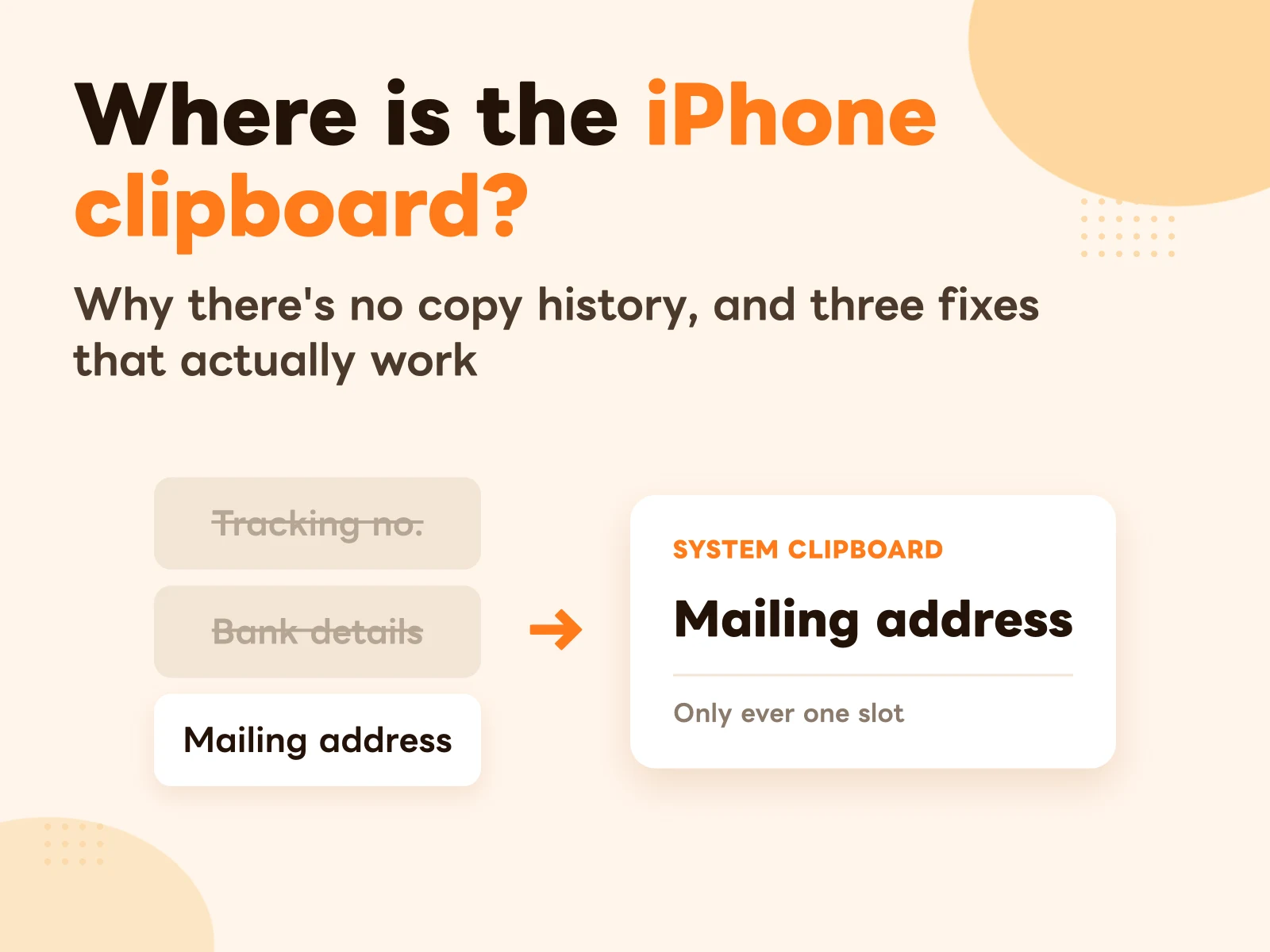
Somewhere in your Notes app there’s a note called “stuff,” “templates,” or “copy this.”
Inside it: your bank details, tax number, mailing address in English, canned replies, social bio. Every time you need one you open the note, scroll, long-press, drag those two blue handles into place, copy, switch back, paste.
It works. It’s just slow — and it’s slow in a place you probably haven’t noticed.
Why Notes gets slower the longer you use it
Notes isn’t the problem. It’s a great tool for long-form writing. The problem is using it as a staging area for quick copying.
One round trip is actually five moves:
- Leave the app you were in
- Open Notes, find the right note
- Find the right chunk inside that note
- Long-press and drag to select it
- Copy, switch back, paste
Steps 3 and 4 are where the time goes.
Step 3 gets worse over time because the note grows. Three chunks at the start, twenty a year later, and now you’re scrolling.
Step 4 is worse still: selection is manual, so it’s error-prone. One newline too many, one digit short — and an account number missing a digit means redoing the whole reconciliation.
Notes stores “a document.” What you need is “one chunk of it.” That gap is the source of every bit of friction.
First, decide what’s actually worth moving
Don’t move everything at once. Two minutes of triage makes a big difference.
Text worth moving usually meets two conditions: you reuse it, and it doesn’t change.
Concretely:
- Email signature
- Company tax/VAT number and legal name
- Bank and payment details
- Your mailing address in English (for cross-border orders and forms)
- Recurring form URLs, meeting room links
- Support canned replies, sales openers
- Social bio, discount codes
- Job-application thank-you notes, portfolio links
- Office Wi-Fi password
What not to move
This half matters just as much — move the wrong things and your card library ends up as messy as the note you left.
Don’t move anything that changes. This week’s promo dates, an amount that varies per order, copy that’s still being edited. The risk isn’t that you can’t find it — it’s that you paste the stale version.
Don’t move one-time text. The system clipboard already handles that.
Don’t move long-form notes. Meeting minutes, draft proposals, reading notes — leave those where they belong. CopyNow is for text you send in one go.
Don’t move high-sensitivity data. Full card numbers, banking passwords. Nothing that’s one tap away should hold those.
A simple test: if you copy it and send it as-is, move it. If you open it to read and edit it, leave it in Notes.
The move itself
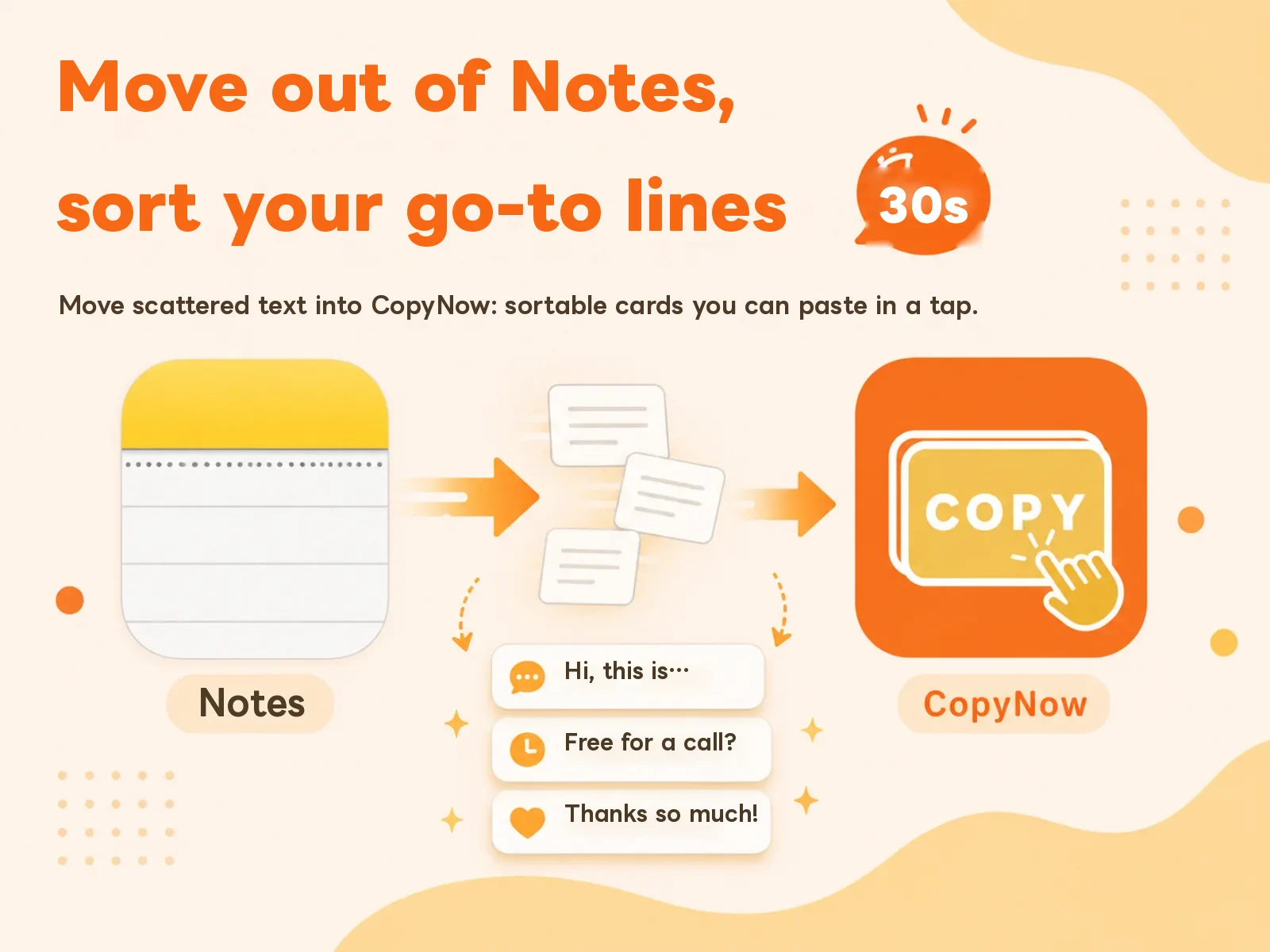
Once you’ve triaged, it’s three steps.
1. Open Notes and CopyNow side by side
No need to bounce back and forth. On iPad or Mac you can split the screen. On iPhone, going one item at a time is slower but you’re less likely to skip something.
2. Paste them in, and name each one properly
Tap “New card,” paste the text, give it a title.
The title is the important part of this step. Don’t use the first line of the content — use the word future-you will type into the search box:
| Weak title | Strong title | Why |
|---|---|---|
| Hi there, thanks for reaching out… | support opener | Nobody searches “Hi there” |
| Chase 1234 | payment bank transfer invoice | You’ll think “payment,” not the bank name |
| Dear Hiring Manager | job thank-you note english | Covers three possible search terms at once |
Small trick: stack a synonym or two into the title. “payment bank transfer invoice” beats plain “payment,” because future-you won’t necessarily reach for the same word.
3. Sort them into categories
Categories aren’t about tidiness. They’re about narrowing the haystack.
Sort by situation rather than by content type — when you reach for a card you’re thinking “what am I doing right now,” not “is this a URL or a paragraph.”
| Approach | Categories look like | How well it works |
|---|---|---|
| By content type | URLs, addresses, email, passwords | So-so. “Form link” and “meeting link” land in the same pile |
| By situation | Support replies, group orders, job hunt, expenses | Good. Open it and you see today’s stack |
| By recipient | Clients, colleagues, vendors, family | Great for sales and admin work, where “what I say to whom” is clear-cut |
A dozen items usually takes under ten minutes.
Two things to do right after
Moving the text just changes where it lives. These two steps are where the time actually comes back.
Pin 3 to 5 cards. The ones you tap several times a day stay at the top of the list and show up first on the custom keyboard — no scrolling, no searching. Pin everything and you’ve pinned nothing; keep it under five.
Turn on the custom keyboard. This is the biggest saver, because it removes the app switch entirely: you stay in LINE or Gmail and type the card straight into the field. Enable it at Settings → General → Keyboard → Keyboards → Add New Keyboard → CopyNow.
For the full setup order, see how to set up CopyNow.
FAQ
Should I delete the old note? Not yet. Use CopyNow for a week, confirm everything you actually reach for made it over, then go back and delete. A week of duplication costs you nothing.
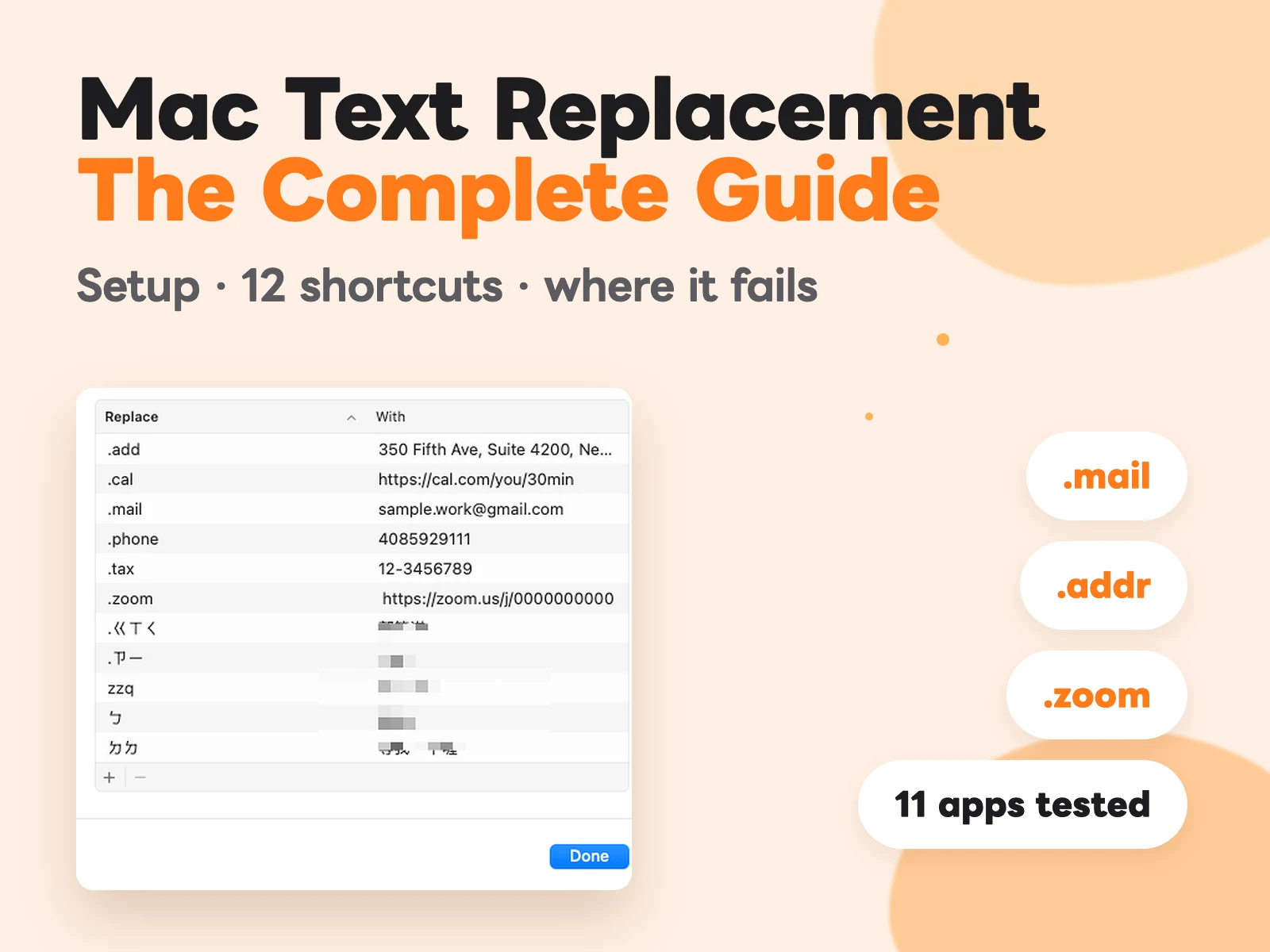
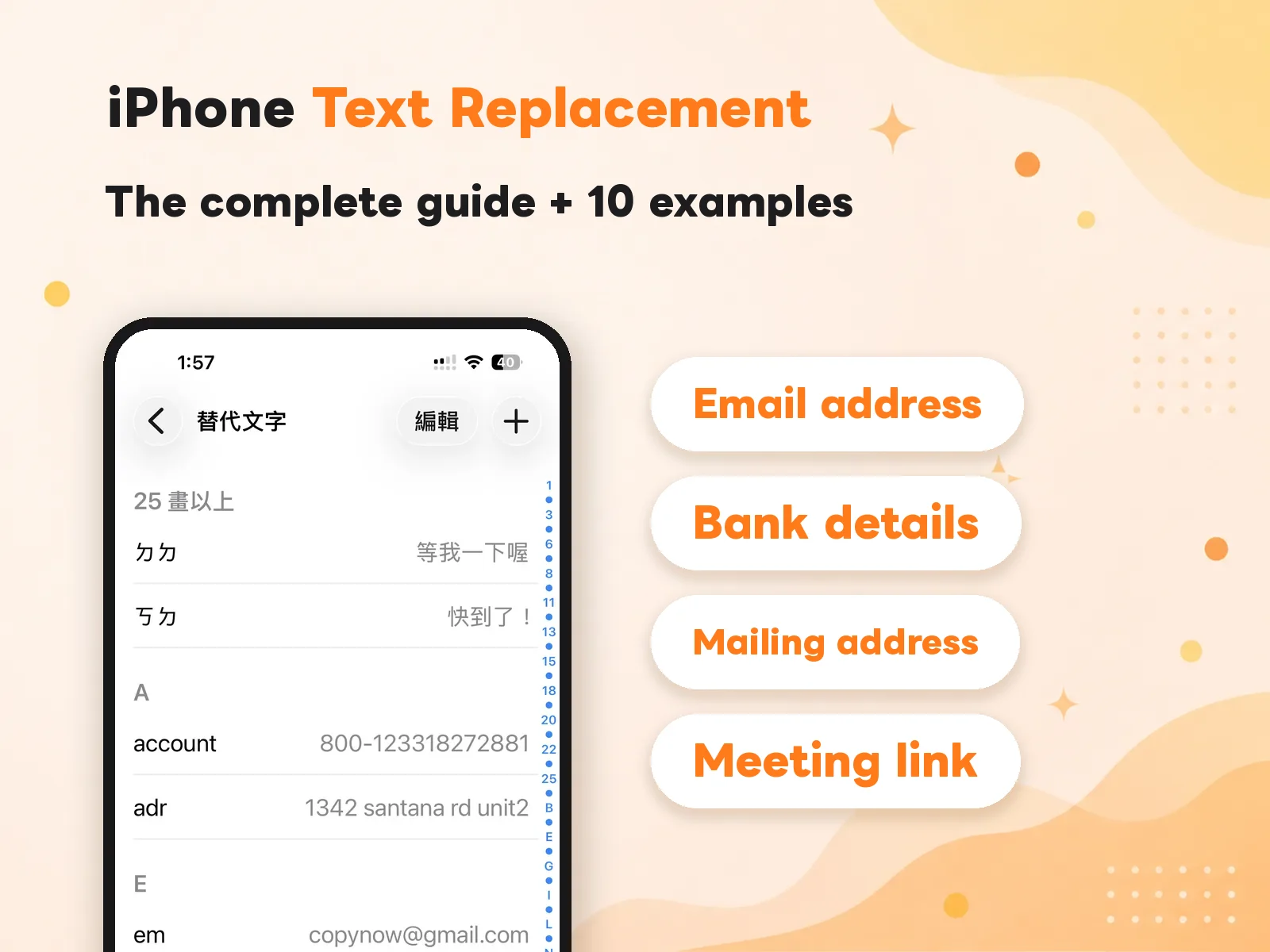
What if what I want to move is short, single-line text — a tax number, a phone number? Then iOS’s built-in Text Replacement may be all you need; you don’t have to open an app at all. Type a shortcut and it expands, which is faster than tapping a card. Full setup in the complete guide to iPhone Text Replacement. The flip side: the phrase field is single-line only, so anything with a line break — signatures, canned replies — can’t go in there at all. That’s exactly where cards earn their place.
Can I drag cards into any order I want? Not currently. Use pinning to keep your go-to cards at the top instead.
Will cards I made on iPhone show up on my Mac? Yes, via iCloud sync. How it works and what to check when it doesn’t: how cross-device sync works.
Wrapping up
Notes isn’t a bad tool. It’s just that its unit is “a document,” and the unit you need is “a chunk.” No amount of tidying the note fixes that gap — only switching to a tool whose unit is the chunk.
The move takes ten minutes. The difference shows up every day afterward: one less app to open, one less scroll, one less mis-selected digit.
Download CopyNow for free and start moving.